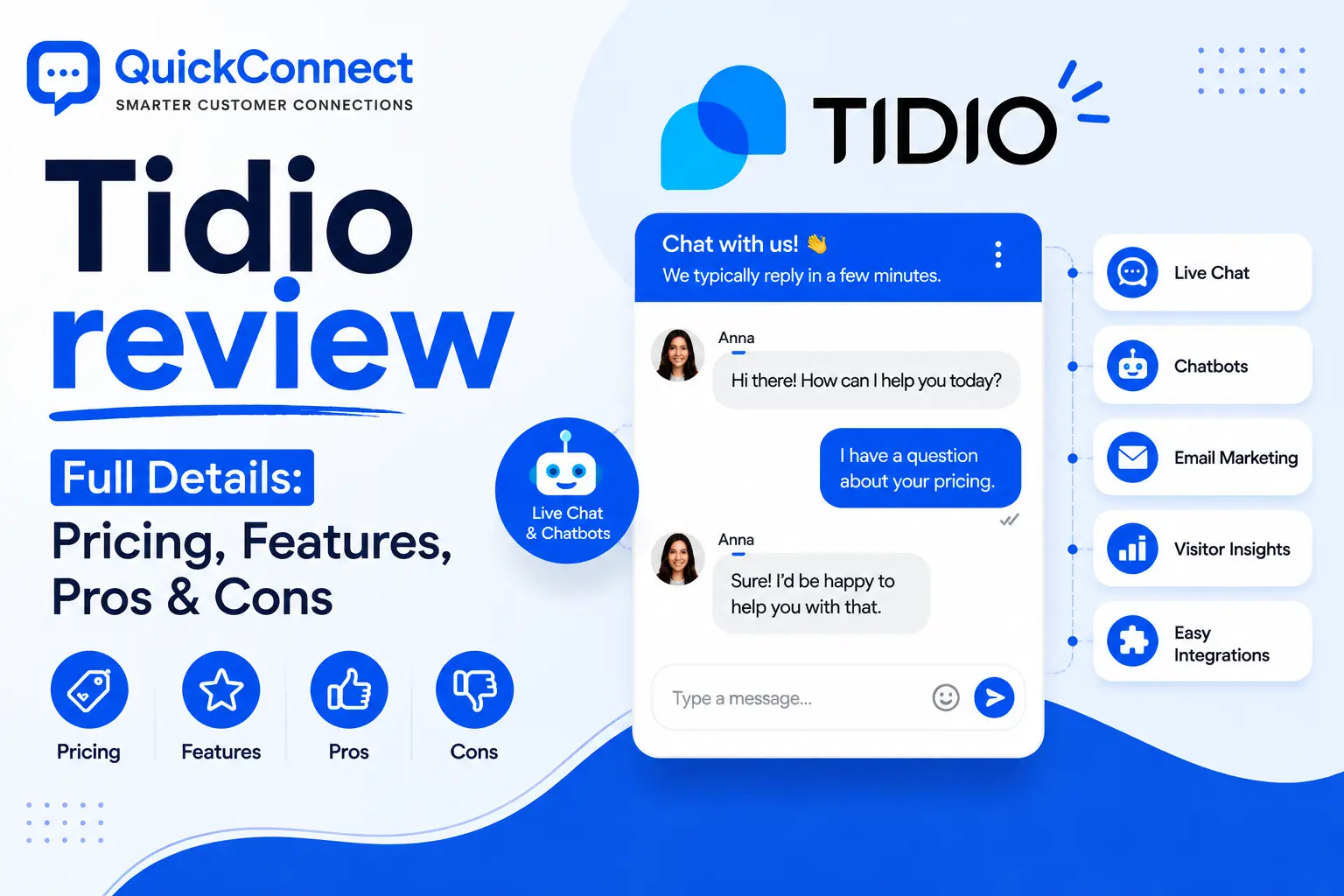
Tidio is a live chat and chatbot system for small companies. The interface is truly one of the best in the price range, the free version is much more functional than many, and the Lyro AI agent answers a lot of common questions better than a low-cost tool.
There are a number of layers to the pricing model that take effect after purchase, and it’s more about sales automation than detailed customer support.
I’ve been testing Tidio over a couple of weeks for a real support workflow and saw how it performs once it’s past the marketing page. Check out all the information you need before you register.
Key Takeaways
- Tidio combines live chat, AI chatbots, and a shared inbox in one tool, aimed squarely at SMBs and ecommerce stores.
- Lyro, the AI agent, can genuinely handle a large chunk of repetitive questions once trained on your content. Tidio claims a 70% automation rate and 67% resolution rate.
- Pricing starts at $29/month but gets unpredictable fast. AI conversations, chatbot flow visitors, and branding removal are all billed separately.
- The integration library is thinner than competitors, no native Google Sheets, Telegram, or ChatGPT connection.
- Best for ecommerce stores and small teams that need live chat + light automation. Not ideal for high-volume support operations.
What Is Tidio?
Tidio is a unified customer service platform that began as a live chat widget and evolved into more than that. It integrates live chat, an AI chatbot (Lyro), rule-based chatbot flows, and a collective inbox that collects all your messages from your website, email, Facebook Messenger, Instagram and WhatsApp.
The idea is simple: Chat with people visiting your website live, have bots do repetitive work, and run all your chats from a single place instead of five.
Tidio is used by more than 300,000 businesses around the world and is particularly favored by Shopify and WordPress stores, thanks to its fast installation without coding knowledge. In fact, the platform has a 4.6/5 rating from 1,900+ reviews, and that’s quite good for a tool in this price range.
However, Tidio’s fans are not necessarily the same as those who are outgrown. If you’re looking to have a live chat and push sales messages as part of a proactive sales strategy on your ecommerce site, you’ll likely be satisfied. The pricing page promises deep ticketing, SLA tracking and advanced routing, but you’ll hit the roof a few minutes earlier.
Tidio’s Core Features (Tested)
Live Chat and Shared Inbox
Live chat is the foundation, and it’s well done. The chat widget can be styled (colors, placement, greeting messages,) and one can view the text that visitors type in before sending, which is something that larger tools charge premium prices for.
All communications from all channels are collected in one unified inbox. Agents have access to all the history, customer profile, and the page the visitor is viewing. The chat can be automatically allocated to the team members available.
The inbox design is simple and sleek. The UI of Tidio is truly easier to use and more eye catchy, compared to other tools such as Livechat or even some expensive tools like Freshchat.
Lyro AI Agent
Lyro is Tidio’s conversational AI, and it’s the feature they’re betting the most on. It is trained using your help center articles, website pages, or FAQs. After training, it can respond to customer questions in natural language rather than using a chat script, and to find answers from your content.
In testing, Lyro handled product questions, shipping policies, and return procedures accurately about 7 out of 10 times. This is an impressive feat for a tool of this cost. When it can’t answer something, it hands the conversation off to a human agent cleanly.
However, Lyro’s accuracy depends entirely on the quality of your source content. If your help center is thin or poorly organized, the AI will reflect that. There’s also no way to have Lyro execute actions (like processing a refund or updating an order) unless you’re on a higher-tier plan with custom integrations, something competitors like Intercom’s Fin handle natively.
Chatbot Flow Builder
Seperate from Lyro, Tidio has a visual drag-and-drop chatbot builder for rule-base automations. You place a trigger (vistor arrives on pricing page, scroll past 50%, leaves the cart) and create a conversation path with branching logic.
There are approximately 40 out-of-the-box templates for lead capture, cart recovery, welcome messages and FAQ responses. It’s actually accessible for a first time chabot builder, just select a template, make some edits to the copy, and publish.
The flow builder is one of the Tidio’s best features. It is more user friendly in compare to the competitors.
But it has no flow-level analytics. Visitors are not visible for where they drop off in a particular flow,making it harder than it should be to optimize individual automations. You don’t really know which step you are losing people at.
Visitor Tracking and Proactive Triggers
Tidio lets you see in real-time who is on your site, which pages they are looking at, their location, and their source. You can use triggers that are based on behaviour for example, welcome back customers, offer a discount code to those who have been on a pricing page for 30 seconds (or more), or offer a discount code to people who leave your cart.
A great portion of Tidio’s ROI for ecommerce stores is generated in this area. When the copy is just right, proactively sent messages on checkout pages convert remarkably.
Multichannel Support
Tidio gathers the conversations from website chat, email, Facebook messenger, Instagram and WhatsApp in a single inbox. If a customer contacts you on Instagram, and then follows up with an email, the agent sees them both in the same thread.
However, channel coverage is not at best-in-class. No SMS, no Telegram, no Viber or voice/video calling. Your customers are on some channels and not the ones you are supporting and you’re stitching them together with Zapier.
Integrations
Tidio’s native integrations will work great for basic ecommerce. The Shopify integration is deep, Lyro can respond to product inquiries, suggest products and verify order status. It additionally has a native WordPress installment and associations with a couple of CRMs and email devices.
However, it’s not as thin as I would’ve thought for a platform as mature as the library is. No integration with Google Sheets, Telegram, or Slack (for team communication). Anything more complicated than the basics requires going through Zapier, bringing in additional complexity and expense.
Tidio Pricing Breakdown (With the Hidden Costs)
Tidio’s pricing is where the picture gets complicated. The entry prices look cheap, but there are three separate meters running at the same time, and the one that matters most isn’t always the most visible.
Base Plans (Monthly Billing)
| Plan | Price/Month | What’s Included |
| Free | $0 | 50 conversations/mo, 50 one-time Lyro conversations, 100 Flow visitors, live chat, all channels |
| Starter | $29 | 100 conversations, basic analytics, live visitor list, business hours |
| Growth | $59 | 250+ conversations, advanced analytics, permissions, auto-assignment, macros |
| Plus | From $749 | Custom limits, departments, white-label, dedicated success manager |
| Premium | Custom | Highest limits, guaranteed 50% Lyro resolution, pay-per-resolution, SSO |
The Add-Ons
The conversation counts above only cover human agent conversations. AI and chatbot flows are billed on top:
- Lyro AI conversations: After the initial 50 free conversations, the Lyro add-on starts at roughly
39/month for a set monthly quota.
- Chatbot Flow visitors: Free and Starter plans cap at 100 visitors reached by chatbot flows. To scale (say, 2,000 visitors), you add a Flows package on top of your base plan.
- Branding removal: The “Powered by Tidio” badge stays on your chat widget unless you pay roughly $20/month to remove it. On paid plans. That stings.
Tidio Review on G2, Trustpilot and Shopify App Store
Tidio’s reviews across major platforms paint a consistent picture:
| Platform | Rating | Reviews |
| G2 | 4.6 / 5 | 1,900+ reviews |
| Trustpilot | 4.0 / 5 | 224 reviews |
| Shopify App Store | 4.6 / 5 | Thousands of reviews |
What users consistently praise: Ease of setup, clean interface, how quickly chatbot flows go live, and the quality of Lyro’s answers for common questions.
What users consistently complain about: Pricing confusion (multiple meters, surprise bills), limited integrations, shallow ticketing, and the fact that branding removal costs extra on paid plans.
A theme across reviews: Tidio delivers great value at the entry level and for small teams, but the cost-to-feature ratio weakens as you scale.
Tidio Pros and Cons
Pros
- Genuinely easy to use. Setup takes under an hour. The dashboard is clean, and no-code installs cover Shopify, WordPress, and Wix. Most teams can go live the same day.
- Free plan that’s actually useful. Live chat, a helpdesk, all messaging channels, chatbot flows, and a taste of AI, for free. It’s a real product, not a demo.
- Strong AI and automation for the price. Lyro handles natural language well once trained. The flow builder with 40+ templates makes automation accessible to beginners.
- Built for ecommerce. The Shopify integration, cart recovery flows, and behavior-based triggers make it a natural fit for online stores.
- Live typing preview. Seeing what visitors type before they send gives agents a genuine speed advantage. Many pricier tools don’t include this.
Cons
- Pricing is a puzzle. Human conversations, AI conversations, and chatbot flow visitors are each metered separately. Predicting your monthly bill requires a spreadsheet.
- Integration library is thin. Beyond Shopify and WordPress, you’re relying on Zapier. No native Google Sheets, Telegram, Slack, or ChatGPT connection.
- Shallow support features. Ticketing exists but isn’t deep. No advanced routing, no SLA tracking (outside Premium), no voice/video, no co-browsing. Support-heavy teams will hit the ceiling.
- Branding removal costs extra. Paying $29+/month and still showing “Powered by Tidio” unless you pay more feels like nickel-and-diming.
- No flow analytics. You can’t track where visitors drop off within a chatbot flow, which makes optimization a guessing game.
Should You Use Tidio? Here’s Who It’s Best Suited For
Tidio is a great fit if you’re:
- A small-to-midsize ecommerce store (especially on Shopify) that wants live chat, proactive sales nudges, and a chatbot, without a steep learning curve.
- A small team that needs to automate repetitive questions and doesn’t require complex ticketing workflows.
- A business that wants to test AI-powered support without a big upfront commitment (the free plan is legitimately good for this).
Tidio is NOT the right fit if you’re:
- A support-heavy team fielding high ticket volumes that needs advanced routing, SLAs, or deep integration with your CRM and helpdesk stack.
- A business that needs multichannel coverage beyond website, email, and the big three social platforms (no SMS, no Telegram, no voice).
- A team that cares about flow-level analytics and wants to optimize individual automations based on drop-off data.
- A company that needs white-label branding without paying enterprise prices.
How Tidio Compares to QuickConnect
Both platforms serve businesses that want AI chatbots, live chat, and multichannel messaging. But they’re built for different stages and priorities.
| Feature | Tidio | QuickConnect |
| AI Chatbot | Lyro – trained on help content, answers in natural language | AI assistant trained on your FAQs, knowledge base, and product data |
| Live Chat | Yes – with typing preview | Yes – with customizable widget |
| Unified Inbox | Website, email, Messenger, Instagram, WhatsApp | Website, Instagram, Facebook, WhatsApp, Viber, email |
| Channel Coverage | 5 channels | 6+ channels (includes Viber) |
| Marketing Automation | Chatbot flows for sales/lead gen | Multichannel campaigns (SMS, social, promo offers) |
| Ecommerce Focus | Deep Shopify integration | Broader business focus, not ecommerce-specific |
| Pricing Transparency | Multiple metered add-ons | Check pricing on our page |
| Best For | Shopify stores, small teams wanting quick chatbot setup | Businesses wanting unified messaging + marketing in one dashboard |
Where Tidio wins: The Shopify integration is best-in-class for the price. The flow builder templates make chatbot creation dead simple. If you’re an ecommerce-first business, Tidio’s automation-for-sales focus is hard to beat.
Where QuickConnect wins: Broader channel coverage (Viber support matters in markets Tidio doesn’t reach), marketing automation that goes beyond chatbot flows, and a unified approach to customer messaging that doesn’t split the bill across three separate meters.
Neither tool is universally “better.” It depends on whether your primary use case is ecommerce chat automation (Tidio’s sweet spot) or multichannel customer communication and marketing (where QuickConnect is built to perform).