


Workflow Builder
Build Smarter Customer Journeys With Powerful Workflow Automation
Create automated conversations that respond, collect information, make decisions, connect with external systems, and seamlessly hand conversations to your team.
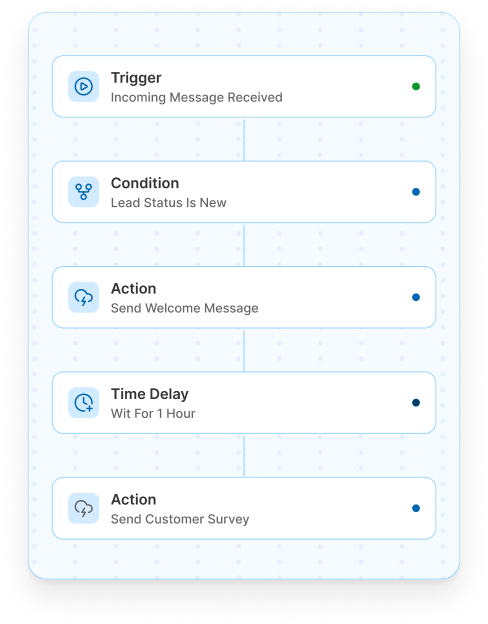
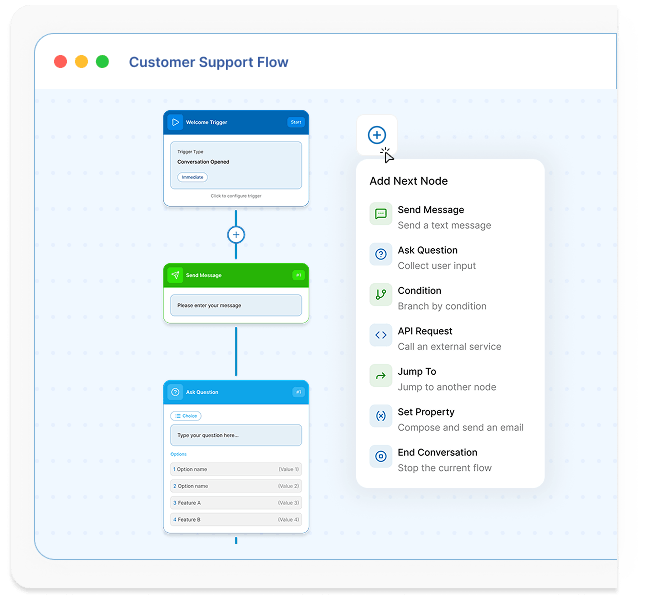
Introduction
Workflow Automation helps you design structured, automated customer journeys that define exactly how your bot interacts with customers.
With QuickConnect Workflows, you can create conversation flows that send messages, ask questions, collect customer information, evaluate responses, store data, connect with external systems, and transfer conversations to live agents when human support is needed.
Design the flow. Automate the journey. Deliver better customer experiences.
Features
Everything You Need to Build Smarter Conversations
Build, automate, and personalize every customer journey with powerful no-code workflow automation.
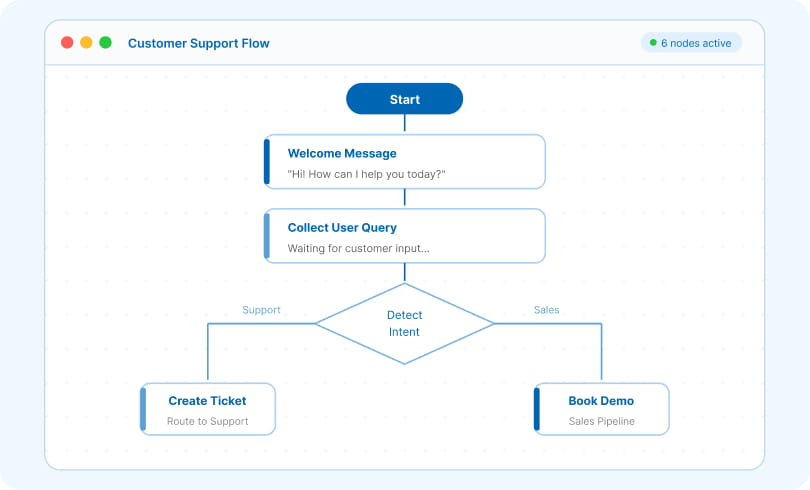

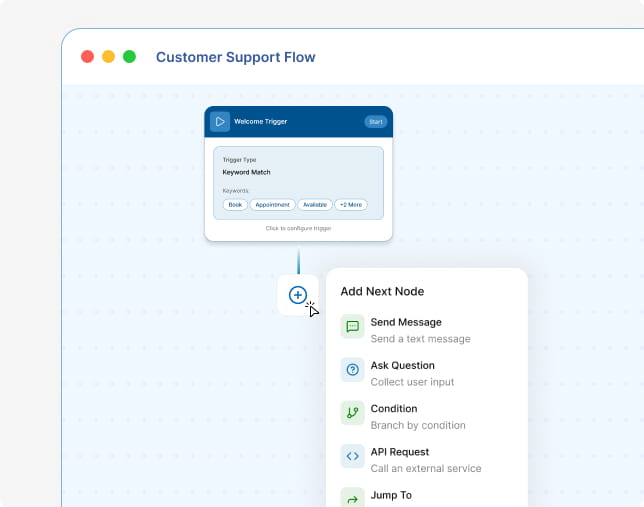
Visual Flow Builder
Map out complete conversational paths using intuitive building blocks. Connect individual workflow nodes to define exactly how your bot behaves during conversations.
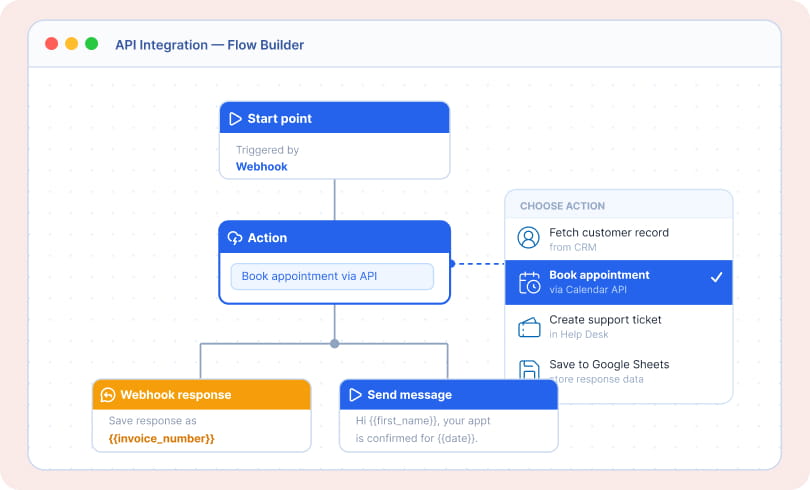

External API Integration
Connect your workflows with external applications and services to retrieve information, submit data, verify appointments, create tickets, and trigger actions.
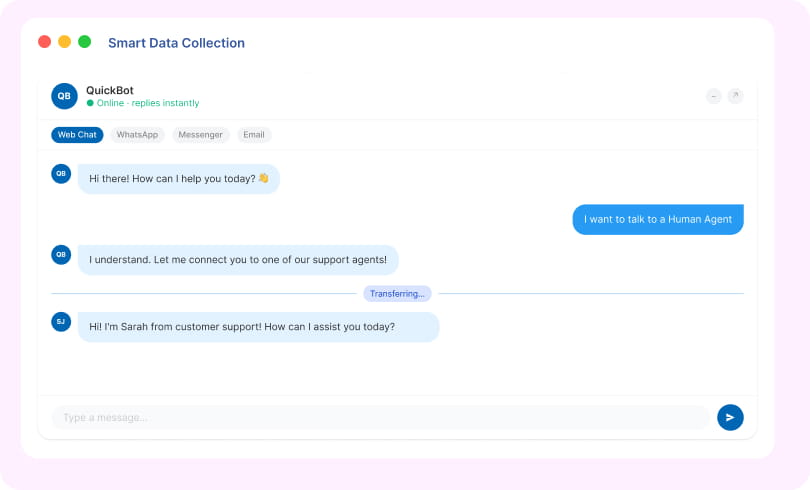

Seamless Human Handoff
Give customers access to live support when automation reaches its limits. Transfer conversations to agents without disrupting the customer journey.
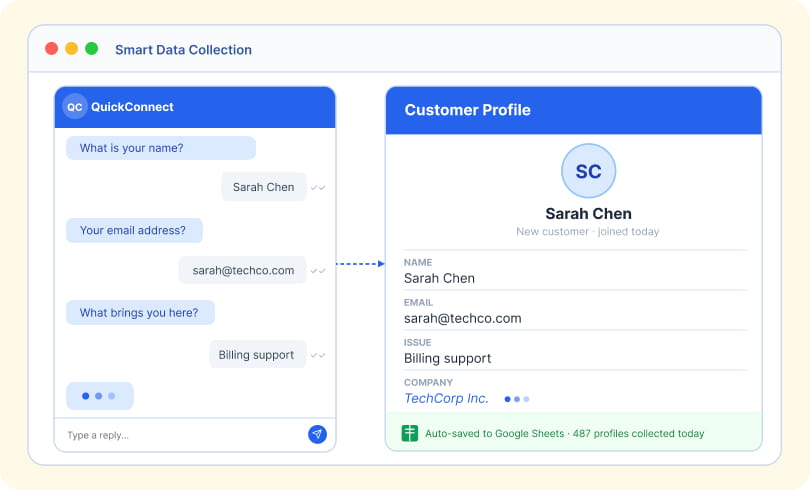

Smart Data Collection
Capture customer information, collect key details, and store customer profiles automatically during conversations on Google Sheet.
Benefits
Built for Support. Designed for Conversion.
Turn every conversation into an opportunity to support customers, capture leads, and drive action.
Build Visually
Create engaging customer journeys with an intuitive flow builder.
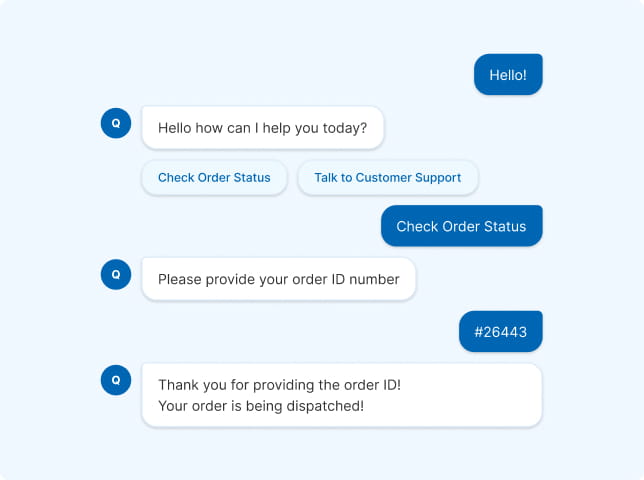
Route Conversations Smarter
Guide customers to the right answer, workflow, or agent based on their needs.
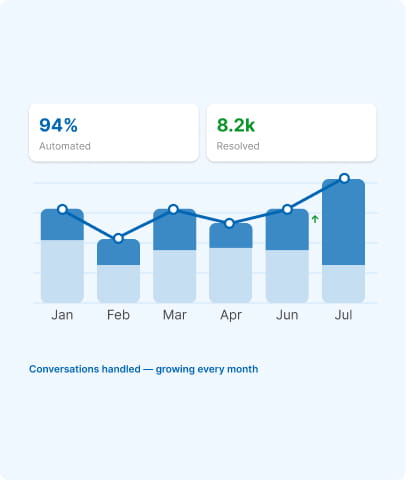
Scale Customer Support
Handle more conversations instantly while reducing your team's manual workload.
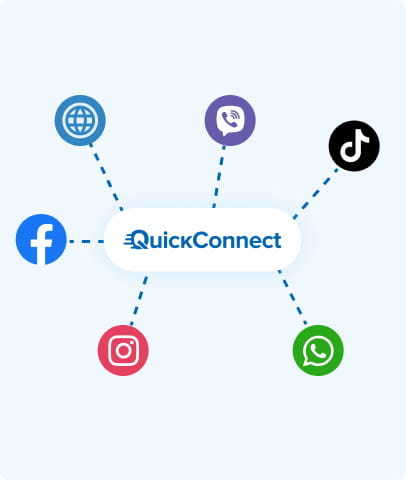
Connect Multiple Channels
Create consistent automated experiences across your connected messaging channels.
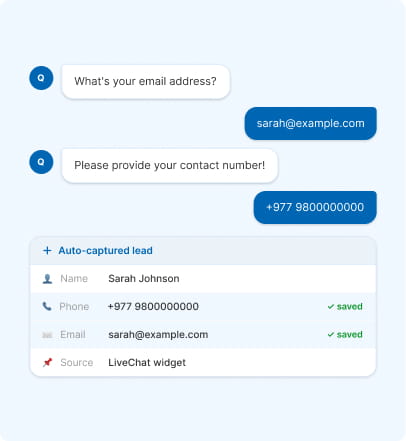
Capture Customer Information
Collect leads, feedback, and customer details directly through conversations.
How it Works
Get Started in 3 Simple Steps

1
Sign Up on QuickConnect
Create your QuickConnect account.
2
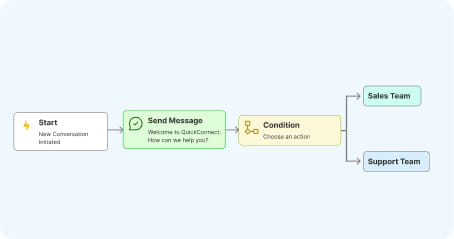
Create Your Workflow
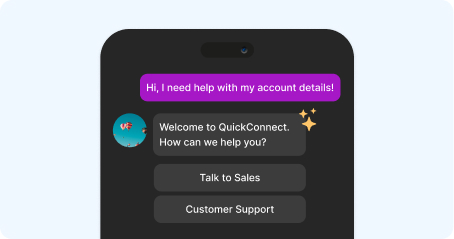
Create nodes such as messages, questions, conditions, and actions to create your flow.
3
Test & Publish Workflow
Review how it works and click Publish to activate.
Usecase
From Simple Questions to Complex Customer Journeys
Whether you want to answer customer questions, collect information, qualify leads, manage appointments, or connect your chatbot with external systems, workflows give you the flexibility to build the experience your business needs.
Ask qualifying questions, collect customer information, and guide prospects toward the next step.
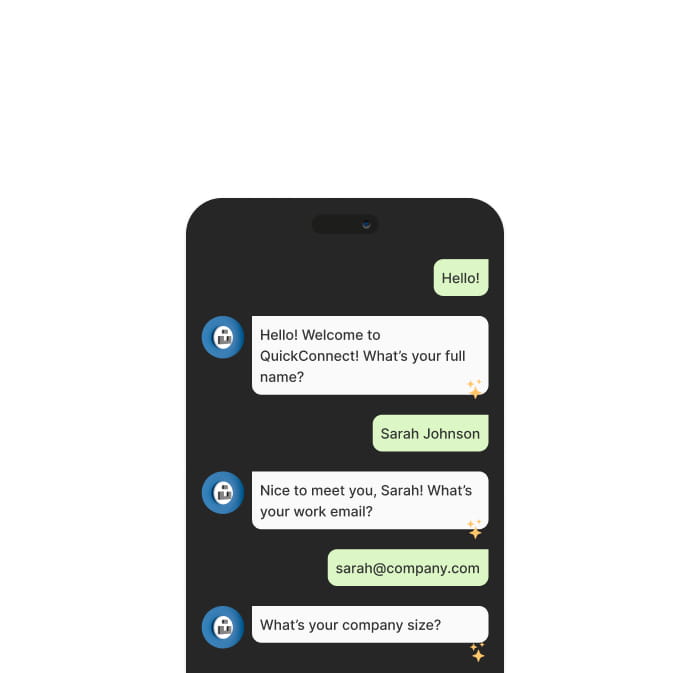
Identify customer requirements, personalize conversations, and route prospects through the appropriate sales journey.
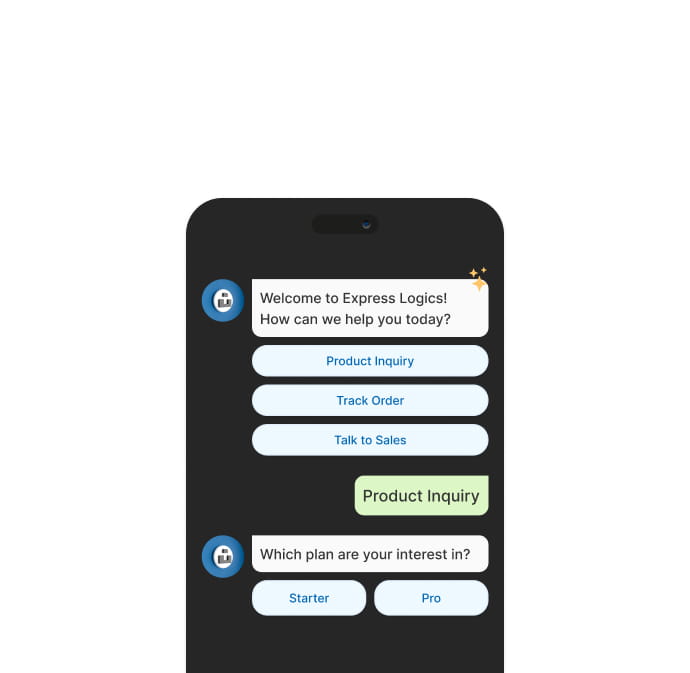
Automate repetitive interactions, collect issue details, and transfer complex requests to support agents.
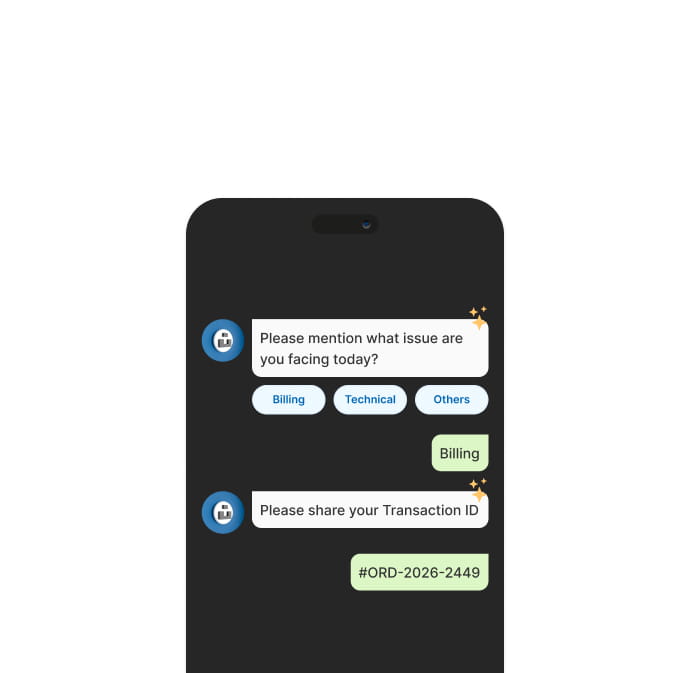
Collect customer details and preferred dates, check availability through external systems, and confirm booking requests.
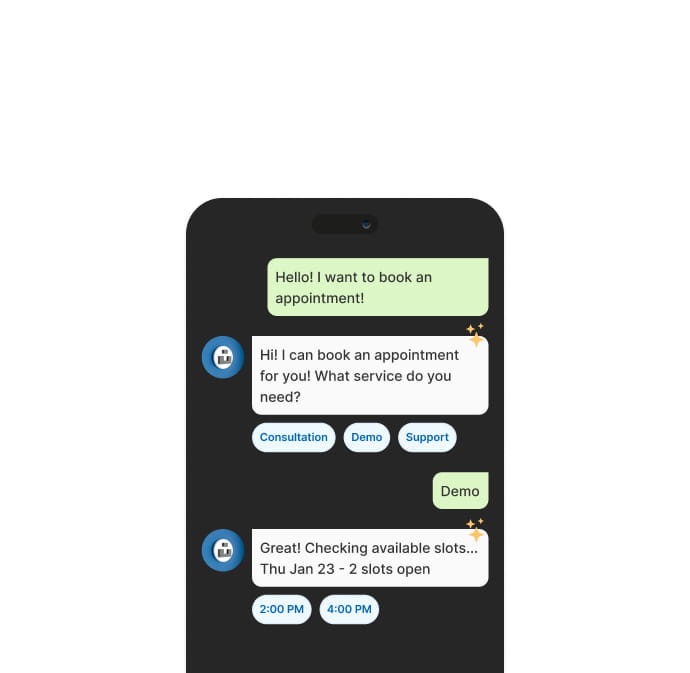
Guide new customers through structured journeys, collect required information, and personalize their experience.
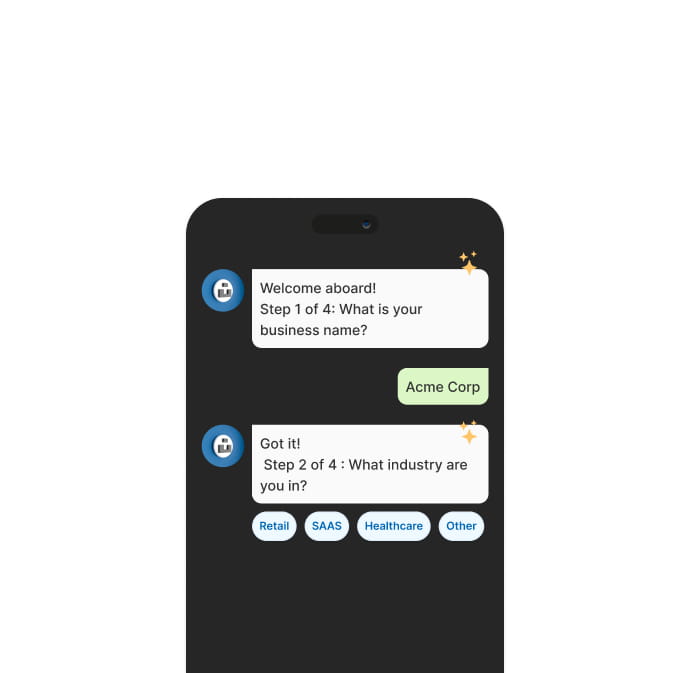
Understand customer requirements, organize inquiries, and route conversations based on customer needs.
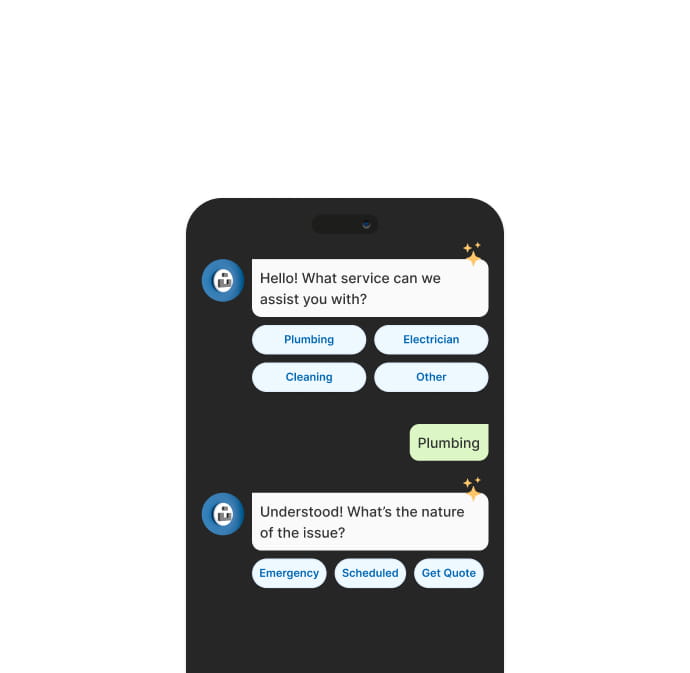
Workflow FAQs
Automate complete customer journeys, including sending messages, asking questions, collecting customer information, branching conversations, connecting external systems, and transferring customers to live agents.
No. The visual, no-code Workflow Builder lets you create and manage automated customer journeys by connecting ready-to-use nodes.
You can build and run workflows across WhatsApp, Facebook, Instagram, and Live Chat, allowing you to automate conversations across your key customer channels.
Yes. Use the API Request node to connect workflows with external applications, retrieve or submit data, verify appointments, create tickets, and trigger actions.
Yes. The Transfer to Agent node lets you seamlessly hand conversations from automation to your support team whenever customers need personalized or human assistance.
Ready to Build Smarter Customer Journeys?
Deliver instant support, automate customer conversations with AI, and help your team close
more opportunities from a single customer engagement platform.