Table of Contents
- What is Instagram DM Automation?
- Can You Automate DMs on Instagram?
- What Should Be the Triggers for Your Instagram DM Automation?
- Why Instagram DM Automation Matters for Businesses
- Is QuickConnect Meta Approved?
- How to Automate Instagram DMs Step by StepQuickConnect
- What to Automate vs What to Keep Human
- Common Instagram DM Automation Mistakes to Avoid
- Conclusion
If you’ve ever spent hours manually replying to the same Instagram DMs, answering product questions, sending promo links, or following up with leads, you already know how time-consuming it gets. That’s exactly where Instagram DM automation changes the game.
More businesses, creators, and marketers are now using DM automation to respond instantly, qualify leads, and nurture customers, all on autopilot. And the results speak for themselves. According to Meta, accounts that respond to messages within minutes see significantly higher engagement and conversion rates compared to those that reply hours later.
But here’s the thing: most people don’t know where to start. They’ve heard the term “DM automation,” but they’re not sure which tools to use, how to set it up without violating Instagram’s policies, or how to make it feel personal rather than robotic.
That’s exactly what this guide is here to fix. Let’s dive deep into how you can automate Instagram DM using QuickConnect.
What is Instagram DM Automation?
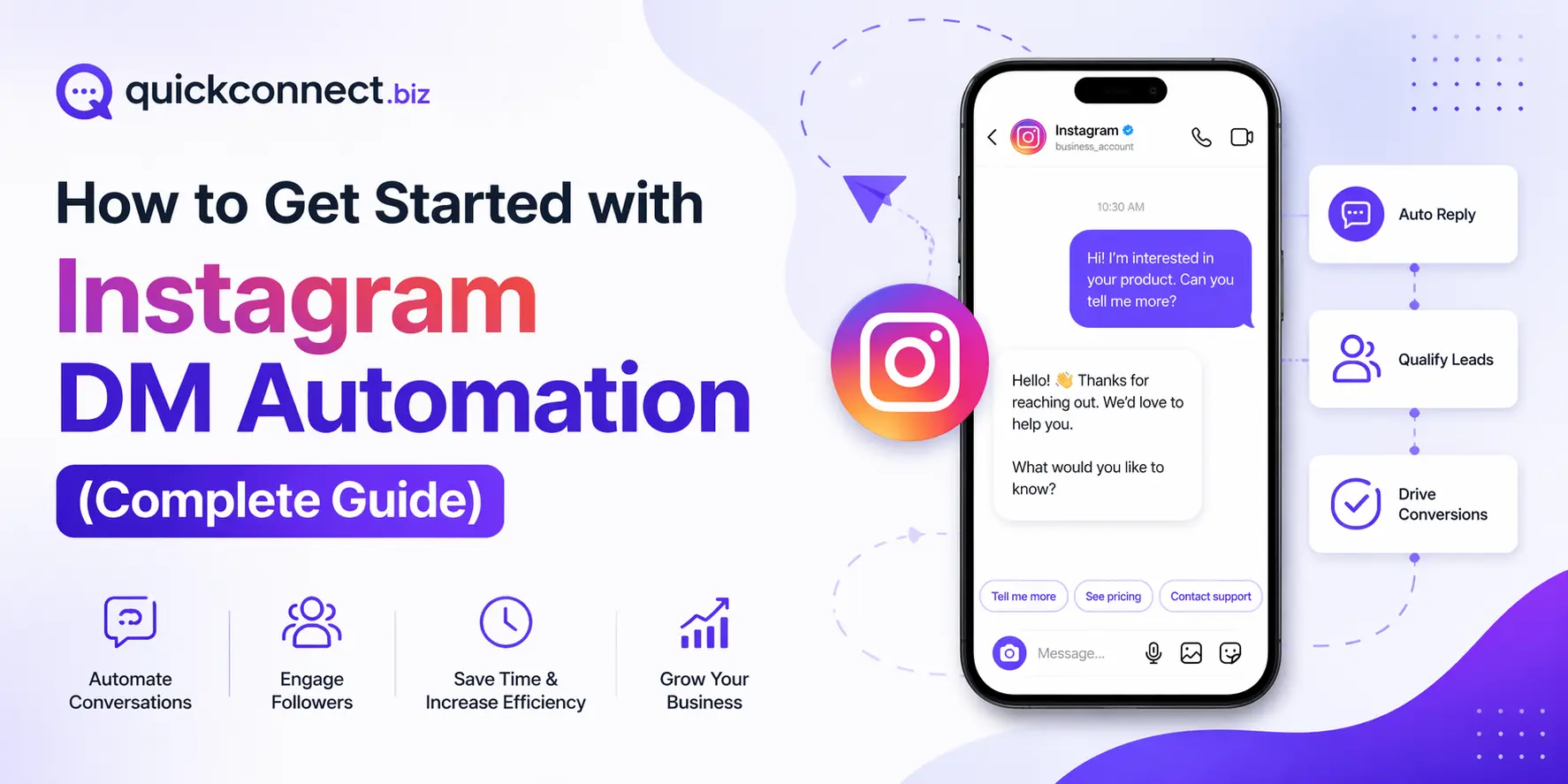
Instagram DM Automation refers to the automatic replies to the messages and comments on Instagram. It is a tool that automatically manages routine Instagram activities, such as replying to messages, and responding to comments based on predefined rules. Its primary function is to reduce time spent while engaging in the activity and maintaining the account.
Automation ensures consistency and quicker responses instead of sitting online the whole day. It serves genuine engagement (rather than supplanting it) when applied properly. The best Instagram automation is natural to followers and works behind the scenes, and gets results quietly.
Instead of manually replying to every “price?”, “location?”, or “is this available?”, automation ensures:
- Instant responses
- Consistent communication
- Higher engagement
- Faster lead conversion
But modern Instagram DM automation goes beyond basic keyword triggers. With AI, it can understand intent, context, and even follow-up questions, making conversations feel surprisingly human.
Can You Automate DMs on Instagram?
Absolutely, and this could be one of the most efficient solutions for dealing with customer interactions in bulk without needing additional staff members.
Using QuickConnect, Instagram automation is made possible. It guarantees security and compliance with sending and receiving messages. All that needs to be done is connecting the Instagram Business or Creator account to QuickConnect, setting up triggers (comment keywords or story reply types), and letting the tool manage all conversations.
There are three common ways automation is carried out:
Exact Keyword Match Automation
Using the keyword based automation, it provides automatic replies to particular criteria. If someone asks for “pricing,” they’ll get the information about prices instantly. This is the easiest method to start with.
AI-powered Keyword Match Automation
Using AI-based automation, it involves using AI technology to determine user intent and provide natural responses. As opposed to responding solely based on keyword matches, QuickConnect AI recognizes the question and provides the right answer from your FAQ.
Hybrid Automation (Keyword and Product Knowledge-Based Automation)
Includes both keyword-based and AI-based responses. Common queries are answered according to the set rules, and more complex interactions are handled by AI or passed to live agents.
What Should Be the Triggers for Your Instagram DM Automation?
One of the best ways to use Instagram Comment to DM automation is not to send any random messages but rather to react to what users do. So here are the triggers to consider:
Comment Keywords
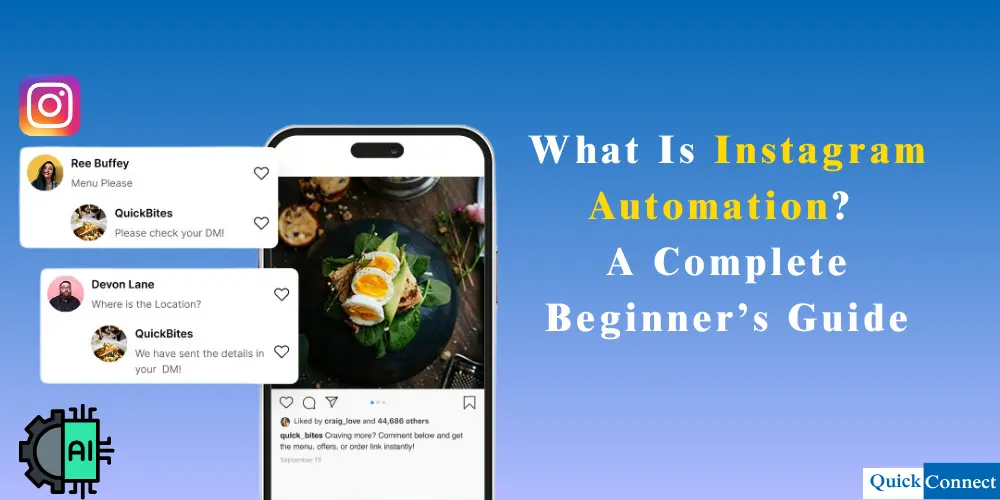
Should someone leave a comment using certain keywords such as “price” or “info,” your automation will immediately send the appropriate message.
Replies to Stories
In case a user replies to your Instagram Story, you can automate your reply, which may include sending a targeted message or a discount code.
Story Mentions
Should someone mention your account in their Story, your Instagram DM automation can react by saying thank you or sending them a discount code or asking if you could post their photo.
DM Keywords
Should a user leave a message containing certain keywords, your Instagram DM automation will assign them to the right category and respond accordingly.
It is an excellent solution because you are reacting to what your customer has done, making your messages both timely and relevant and aligning with the rule by which Instagram does not allow sending automated DMs without user initiation.
Why Instagram DM Automation Matters for Businesses
1. Instant Replies 24/7
QuickConnect Automation tracks Instagram comments, DMs, and story replies in real-time. When someone uses a keyword related to a product, QuickConnect will immediately respond with the correct and accurate information.
2. Convert Engagement into Sales
It also enables you to automatically send links or discount codes directly to the customer’s DMs. This will allow you to convert every single person engaging with your account into a customer.
3. Increase Your Reach with Engagement
Providing a response to every person who engages with your posts and reels will increase your account’s visibility on Instagram. This will also increase the number of people interacting with your account as a result, your engagement and follower count both increases simultaneously.
4. Perfect for Creators and Growing Brands
Whether you’re launching a product or having a giveaway, QuickConnect will help you automate every single thing. This will also increase the number of people interacting with your account.
5. Intelligent Replies Powered by AI
QuickConnect does not just respond to keywords; its artificial intelligence also understands the intent of the customer using the product information and past conversations. As a result, it provides an accurate response every single time keeping the customer happy and satisfied.
Is QuickConnect Meta Approved?
Yes, QuickConnect is based on Meta-approved APIs, hence making it an officially sanctioned and safe choice when it comes to automating Instagram accounts.
Meta-Approved Instagram Automations
QuickConnect links your Instagram account using the officially sanctioned Messenger API provided by Meta. Consequently, all the messaging tasks that you set up will be conducted in accordance with the set standards.
As such, your account remains safe from any form of sanctions and hacking. Moreover, since the automation is done using an officially approved framework, your account remains stable and reliable at all times.
How to Automate Instagram DMs Step by StepQuickConnect
Setting up social meInstagram Comment to DM automationdia automation is not about turning your inbox into a robot, it’s about building a system that responds instantly, understands intent, and keeps conversations flowing even when you’re offline.
With a Meta-approved platform like QuickConnect, the process is straightforward. But each step matters. Done right, it turns your Instagram into a 24/7 conversion engine. Done poorly, it becomes noise.
Here’s how to do it properly from the ground up.
Step 1: Switch to a Professional Instagram Account
Before automation can even enter the picture, your Instagram account needs the right foundation.
Instagram only allows automation access through Professional accounts, which include:
- Business accounts (ideal for brands, stores, service providers)
- Creator accounts (ideal for influencers and personal brands)
To switch:
- Open Instagram
- Go to Settings
- Tap Account
- Select Switch to Professional Account
This step is not just a formality, it unlocks access to Instagram’s messaging infrastructure, insights, and API connections that automation tools rely on.
Without this, automation simply won’t work.
Step 2: Link Your Instagram to a Facebook Business Page
Instagram DM automation operates within Meta’s ecosystem. Think of it as a backstage wiring system, your Instagram needs to be connected to a Facebook Business Page for everything to function properly.
To link your accounts:
- Go to your Instagram profile
- Tap Edit Profile
- Select Page
- Connect an existing Facebook Page or create a new one
This connection allows platforms like QuickConnect to securely interact with your messages through Meta’s official APIs.
If this step is skipped or misconfigured, automation tools won’t be able to read or send messages, so it’s worth double-checking.
Step 3: Enable Message Access for Automation Tools
Now that your accounts are connected, you need to explicitly allow third-party tools to access your messages.
To enable this:
- Go to Settings
- Tap Messages and story replies
- Open Message controls
- Navigate to Connected tools
- Toggle on Allow access to messages
This setting acts like a gatekeeper. It tells Instagram:
“Yes, I trust this platform to help manage my conversations.”
QuickConnect uses this permission to:
- Send automated replies
- Detect incoming messages
- Trigger workflows based on user behavior
Step 4: Connect Your Instagram to QuickConnect
Once your account is ready, it’s time to connect it to an automation platform.
Inside QuickConnect:
- Sign up or log in to QuickConnect
- Click on Automation on the left hand panel and click on Create automation
- Select Instagram as your channel
- Log in through Meta’s secure authorization flow
- Grant the required permissions
This process typically takes less than a minute, but it’s a crucial bridge, it links your Instagram inbox to QuickConnect’s AI engine.
Unlike traditional tools that rely heavily on manual setup, QuickConnect begins preparing your automation environment immediately after connection.
Step 5: Select an Instagram Post, Reel, or Story
The next step is to give your automation a clear and relevant title. Let’s say if it’s location related automation, you can name it “Location Automation.” QuickConnect allows you to set up automation for both Instagram posts/reels and stories.
For posts or reels:
- Click Show All to view your full list of Instagram posts and reels.
- Click Sync Now to fetch the latest content.
- Choose the specific post or reel where you want the automation to apply.
This ensures automation is tied only to the content you want to promote.
Step 6: Choose the Right Automation Title and Automation Trigger
To trigger your automation flow, you need to set a keyword. When a user types this keyword in your post comments or DMs, they’ll be sent your automatic response. QuickConnect offers two powerful trigger options.
Keyword Automation Trigger
This option lets you trigger replies based on specific words or phrases users comment on.
For example, if your main keyword is “location”, you can add multiple variations like:
- location
- branch
- address
- store location
- Where are you located
- how to find you
- direction
This ensures your automation responds accurately regardless of how the question is phrased.
You can either:
- Manually add keywords, or
- Use our AI-Powered Keyword Match by entering one main keyword and letting QuickConnect AI detect related variations automatically.
This means you don’t have to worry about missing out on various ways people might ask the same question. The AI is constantly learning and will recognize similar keywords, which ensures your automated response is accurate and consistent for your customers asking questions. Not only does this save you time and effort, but it also makes it more efficient and faster for your followers who get the information they need without any delay.
Note: You can only enter 1 keyword under AI powered keyword matching. And AI-powered keyword matching is available in the trial and paid plans.
Product Description (Paid Plan Only)
With Product Description, you enter detailed product information into the Product Knowledge Base, such as:
- Product name
- Key features
- Materials
- Color options
- Size specifications
- Intended use
QuickConnect AI analyzes this data to clearly understand your product’s intent, features, and use cases, allowing it to interpret customer questions more accurately. Based on this understanding, the AI can respond with relevant and precise answers, automatically send personalized DM replies, and intelligently recommend the most suitable products to customers, creating a smoother and more effective conversation experience.
Note: When Product Description is triggered, AI will automatically send a direct message to customers based on the knowledge you provide.
Step 7: Set Up Comment Replies
The next thing you need to do is to input the automated responses that you would like to send to the comments. It is essential to have three different automated responses so that your responses look as natural and human-like as possible. This way, your audience will get a feeling of being attended to even though it is automated.
You can also view the comment automation preview on the right side of your screen.
Step 8: Configure Auto DM Replies
This option enables you to send a direct message instantly to any individual who engages your post or reel by commenting on a word. All you have to do is type out the word or message that you want them to receive.
This option is a fantastic way to connect with individuals, provide them with value, and save time. This option enables you to provide individuals with something of value, which turns a simple engagement into something much more meaningful without having to do any actual work.
Also, if you have the Product Description feature, then it can be used to trigger a direct message to your customers based on the knowledge you provide.
To send private messages automatically, turn on Send Auto DM Reply.
- Write the DM message you want users to receive.
- Add CTA buttons by enabling Add a Button.
- Choose button types like Web URL or Transfer to Agent.
The Transfer to Agent option seamlessly routes the conversation to a live agent when needed.
A real-time preview appears on the right side of the screen so you can see exactly how your DM will look before going live.
Step 9: Activate Automation
Once everything is set:
- Save as Draft to review later, or
- Click Activate Automation to launch it immediately.
Your automation is now live. Every eligible comment or interaction will trigger instant replies and DMs automatically.
Step 10: Activate and Monitor Performance
Once everything looks good, activate your automation. But activation is not the finish line, it’s the starting point.
In the first 24–48 hours, monitor:
- Response accuracy
- Engagement levels
- Conversation flow
QuickConnect allows you to:
- Adjust responses
- Improve triggers
Automation works best when it evolves. The more it learns, the better it performs.
What to Automate vs What to Keep Human
Automation is powerful, but it shouldn’t replace human connection entirely.
Best things to automate:
- FAQs (pricing, availability, links)
- First responses to DMs and comments
- Lead capture and initial qualification
Keep these human:
- Complaints or issues
- Emotional conversations
- High-value sales discussions
QuickConnect’s Smart Human Handoff ensures you step in exactly when needed, no awkward transitions.
Common Instagram DM Automation Mistakes to Avoid
Automation can either elevate your brand, or damage it.
Avoid:
- Sending spammy bulk messages
- Over-automating every interaction
- Using fake engagement tactics
- Ignoring user intent
QuickConnect is designed to avoid these pitfalls by:
- Using Meta-approved APIs
- Focusing on real interactions
- Supporting intelligent, context-aware replies
Conclusion
Instagram automation allows your business to react quickly, maintain consistency, and gain leads without putting in any manual work. With QuickConnect, you will be able to automate your Instagram responses to messages, comments, and story responses to ensure that your daily interactions transform into genuine conversations. Not only does this save time but it also guarantees that no opportunity is left unexplored.