Table of Contents
- What is automation on Instagram?
- Pros & Cons of Instagram Automation
- What Are The Instagram Tasks You Can Automate
- Key Features to Look For in an Instagram Automation Tool
- How QuickConnect Supports Instagram Automation
- How to Start Automation on Instagram Using QuickConnect?
- Types of Instagram Automation To Avoid
- Conclusion
Instagram is one of the most famous social media platforms and it has changed a lot from a basic app for sharing pictures; it has now turned into a creative hub for creators, brands, local businesses, and online shops. Do not expect that just posting sometimes is going to be enough. Newsfeeds are not the only thing that needs to be regular; DMs and comments require quick and frequent engagement as well.
And this is where Instagram automation comes into play.
Just because you are using automations doesn’t mean you have to make your account a robot. It means using smart tools to automate repetitive work so that you only concentrate on content, ideas, and engaging with followers.
In this Instagram automation guide, we break everything down in simple terms.
What is automation on Instagram?
Instagram automation is the use of software tools to automatically manage routine Instagram activities such as scheduling posts, replying to messages, and responding to comments based on predefined rules. Its main purpose is to save time while keeping an account active, responsive, and consistently engaged.
Automation ensures consistency and quicker responses instead of sitting online the whole day. It serves genuine engagement (rather than supplanting it) when applied properly. The best Instagram automation is natural to followers and works behind the scenes and gets results quietly.
Pros & Cons of Instagram Automation
Knowing both the pros & cons of using an automation tool is essential before we start using one.
Pros of Instagram Automation
The following are the pros of automating your Instagram:
1. Saves hours every week
Automation eliminates posting or responding by hand during the day. While scheduled posts and auto replies are run behind the scenes, they can be left alone. This allows for planning and actual conversations about your content.
2. Keeps your account active
Even during the most hectic of days, your Instagram remains consistent and communicative. It ensures that posts are published and auto-replies are issued on time. So, this assists your profile to appear reliable and mature.
3. Faster response time
Everyone loves a swift response, especially inside a DM and comments. They enable people to get instant answers to common questions. First response times that are lower often result in greater engagement and greater trust.
4. Better lead handling
The minute someone comments or a message appears, automation captures attention. Not a single lead is lost because of a late reply or a busy schedule. It comes in handy for businesses, creators, and service providers.
5. Consistent posting schedule
Posting on a regular basis allows Instagram to identify your activity pattern. Automating posting helps maintain a schedule of some sort. This consistency improves your reach and visibility in the long run.
Cons of Instagram Automation
Here are the cons of automating your Instagram:
1. Overuse can look fake
A follower may find it robotic with too much automation. Anything that sounds the same or generic over a time period lowers your authenticity. It can turn people the other way instead of establishing a bond.
2. Risk if the wrong tools are used
Using unsafe Instagram automation tool could cause warnings, limits, or blocks on your account. If you choose the wrong platform, then it can be counterproductive.
3. Not everything should be automated
Automated responses do not respond well to emotions or complicated inquiries. The personal touch in forging genuine connections is still needed.
Instagram is just one part of the game. Discover how full-scale social media automation can help you reply to DMs and comments faster, scaling your growth across platforms with significantly less manual work.
Explore Social Media Automation →What Are The Instagram Tasks You Can Automate
You can automate the following tasks:
1. Post Scheduling
Schedule posts ahead of time and let them post visual content themselves. You can make a content calendar and applies to feed posts, carousels, and tool-supported reels. It allows your account to stay active even while busy.
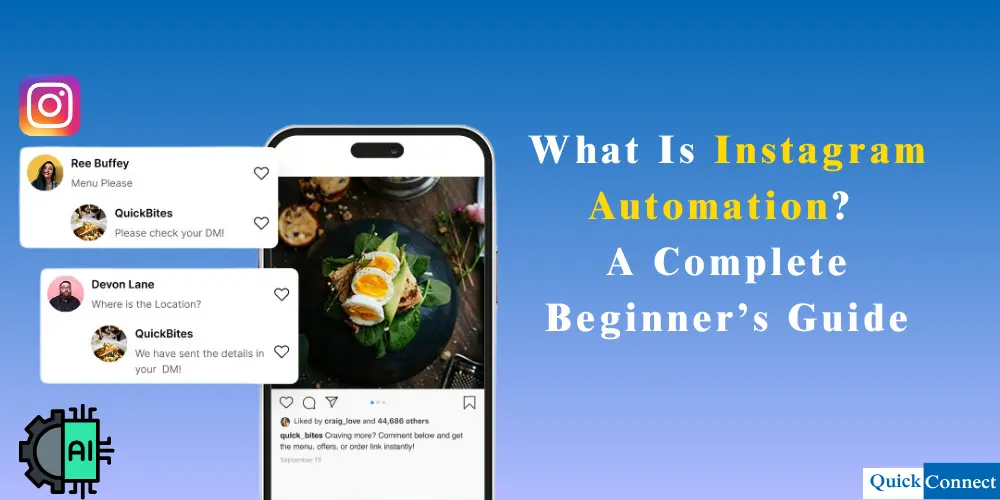
2. DM Auto Replies
Automation can respond as soon as someone sends a DM. This is quite good for a price, link, or details-based keyword-based replies. This can also help reduce response times to keep the conversation flowing.
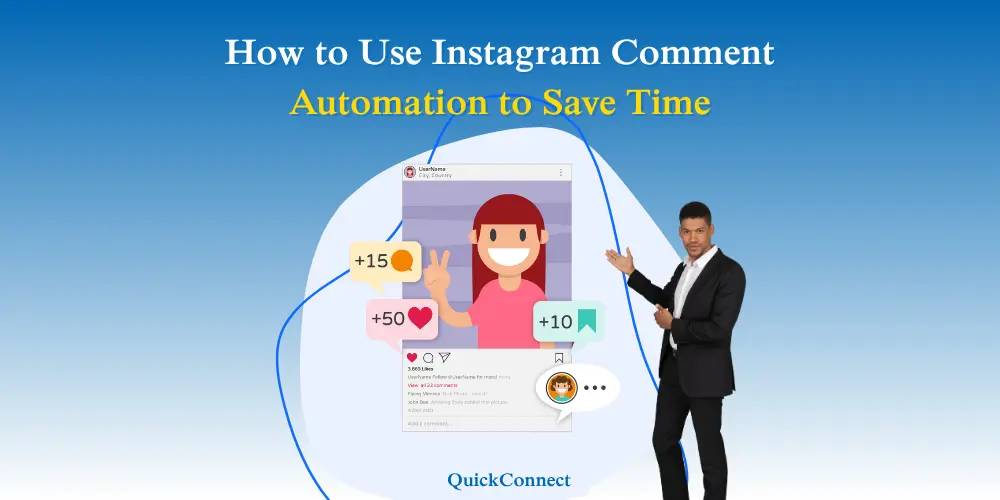
3. Comment Responses
It allows you to create rules to automatically respond to comments. Others send out a DM if a user’s comment includes a certain keyword. This way, it helps to give a sense of guidance to a potential user without doing the course manually.
4. Story Message Handling
Some tools enable automatic responses to story mentions or react to your stories. It helps to keep the engagement up if stories go viral. This should be used sparingly to avoid forceful interactions.
5. Multi-Platform Messaging
Most Instagram management tool such as QuickConnect manage Instagram, Facebook as well and WhatsApp. Manage replies from a single place instead of hopping between apps. That’s good for teams and your business partner who stay busy.
Key Features to Look For in an Instagram Automation Tool
Some features are important to look for in Instagram automation tool. The major ones are:
1. Official API Support
The Instagram automation feature should operate through the approved Instagram systems. This minimizes the risk of limits or blocks on the account. Also, it ensures stable actions over time. Using others or unofficial methods may lead to account deactivation.
2. Keyword-Based Triggers
Search for a tool that responds to the words in DMs or comments. This keyword-based trigger allows you to deliver the appropriate message at the correct time. If set properly, it answers with a natural feeling.
3. Simple Workflow Builder
Having an obvious setup screen makes controlling the automation a bit easier. You will see each step of the reply flow. This prevents errors and misinterpretations. It also ensures that
4. Rate and Action Limits
The best tools manage when actions will be executed. Therefore, it ensures that exercise stays at sustainable levels. This helps to prevent spammy behavior on your account.
5. Analytics and Logs
Sent messages and replies must appear in the tool. This allows you to see what is working and what is not working. Clearing logs also helps to fix the issues very quickly.
How QuickConnect Supports Instagram Automation
QuickConnect is designed on the principle of safety and no-bounce automation. We will never sacrifice fake conversations for fake activity.
We allow businesses to respond more quickly, handle leads, and stay involved without overstepping platform boundaries. Businesses looking for an Instagram automation tool can use QuickConnect to manage these workflows from one centralized dashboard.
It proved helpful to post and cleverly reply to DMs, trigger replies in comments, and cross-platform messaging. It avoids risky behaviour and keeps the behaviour natural. It is therefore an ideal platform for beginners and scaling brands.
How to Start Automation on Instagram Using QuickConnect?
QuickConnect does a simple setup, like connecting your account and running automation wherever it makes sense.
Steps:
- Link your Instagram account via a QuickConnect
- Select what will be automated (posts, DMs, comments)
- Establish keywords, responses, and time settings
- Switch on the automation and track replies
- Instagram Automation You Should Avoid
You’ve seen how automation works—now it’s your turn. Create your QuickConnect account and start automating your DMs, comments, and replies today. No tech skills required, just pure growth.
Create Free Account →Types of Instagram Automation To Avoid
Here are the types of Instagram automation to avoid:
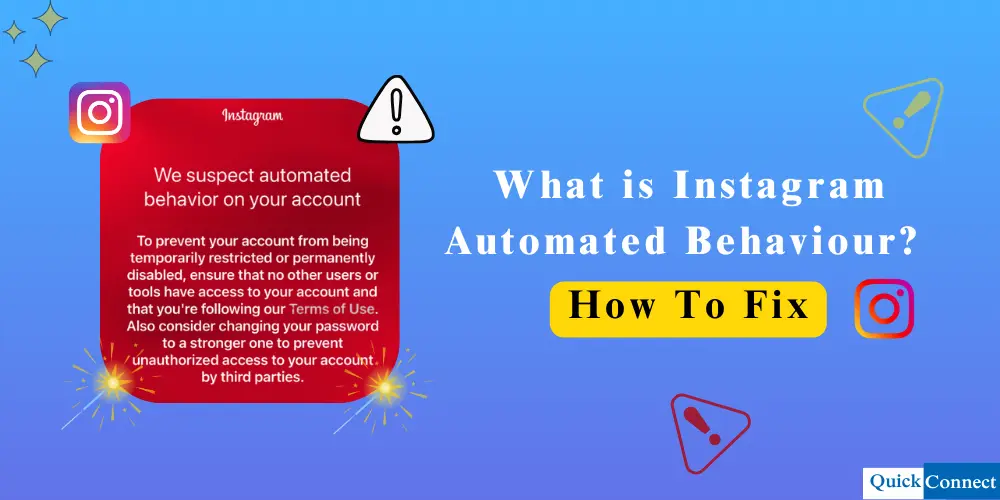
- Auto Follow and Unfollow: This results in artificial activity spikes that are highly elevated. Instagram flags this behavior quickly. This may result in a lesser reach or a temporary ban.
- Bulk DM Sending: Spamming many users with a single message. And as advertisements go, most people just ignore or report them. This downgrades account credibility and response rates.
- Fake Likes and Engagement: Purchasing likes or reactions, generates figures with no actual interaction. These accounts never become followers or customers. It also negatively impacts content discoverability in the long run.
- Comment Spamming: Whacking out the same generic comment on multiple posts comes across as sincere. Instagram sees this as not high-quality activity. This can lead to commenting restrictions being placed.
- Aggressive Story Reactions: In a short span of time, reacting to too many stories seems automatic. Users often find it annoying. This can drive people away instead of creating a sense of community.
- Running Automation 24/7: Kept going: washing clothes, washing dishes, washing hands. These patterns observed by Instagram systems do not stop. Never remove time limits or daily limits.
Conclusion
Instagram automation software can save time and keep your posting schedule consistent, but it needs to be used carefully. Focus on safe automations like scheduling posts, organizing content, and tracking performance. Avoid spammy actions like auto-following or mass DMs, because they harm trust and growth. When you automate the right way, you stay active without losing your brand’s real voice.