Table of Contents
- What Is SaaS Customer Support?
- Importance of SaaS customer support
- Why SaaS Support Operates Differently
- Core Components of a SaaS Support System
- Support Channels SaaS Companies Should Offer
- Key Metrics to Track SaaS Customer Support
- How to Enhance SaaS Customer Support
- Best Practices for SaaS Customer Support
- Deliver Exceptional SaaS Support Through QuiConnect
SaaS companies lose revenue when support fails. Not eventually, immediately. A single unresolved billing issue or a confusing onboarding flow can push a customer to cancel a subscription they signed up for three days ago.
Unlike traditional software, SaaS products are rented, not bought. Customers pay monthly or annually, which means they re-evaluate whether your product is worth it regularly. Support quality directly affects that decision.
This guide covers what SaaS customer support actually involves, how to structure it, and what to prioritize in 2026.
What Is SaaS Customer Support?
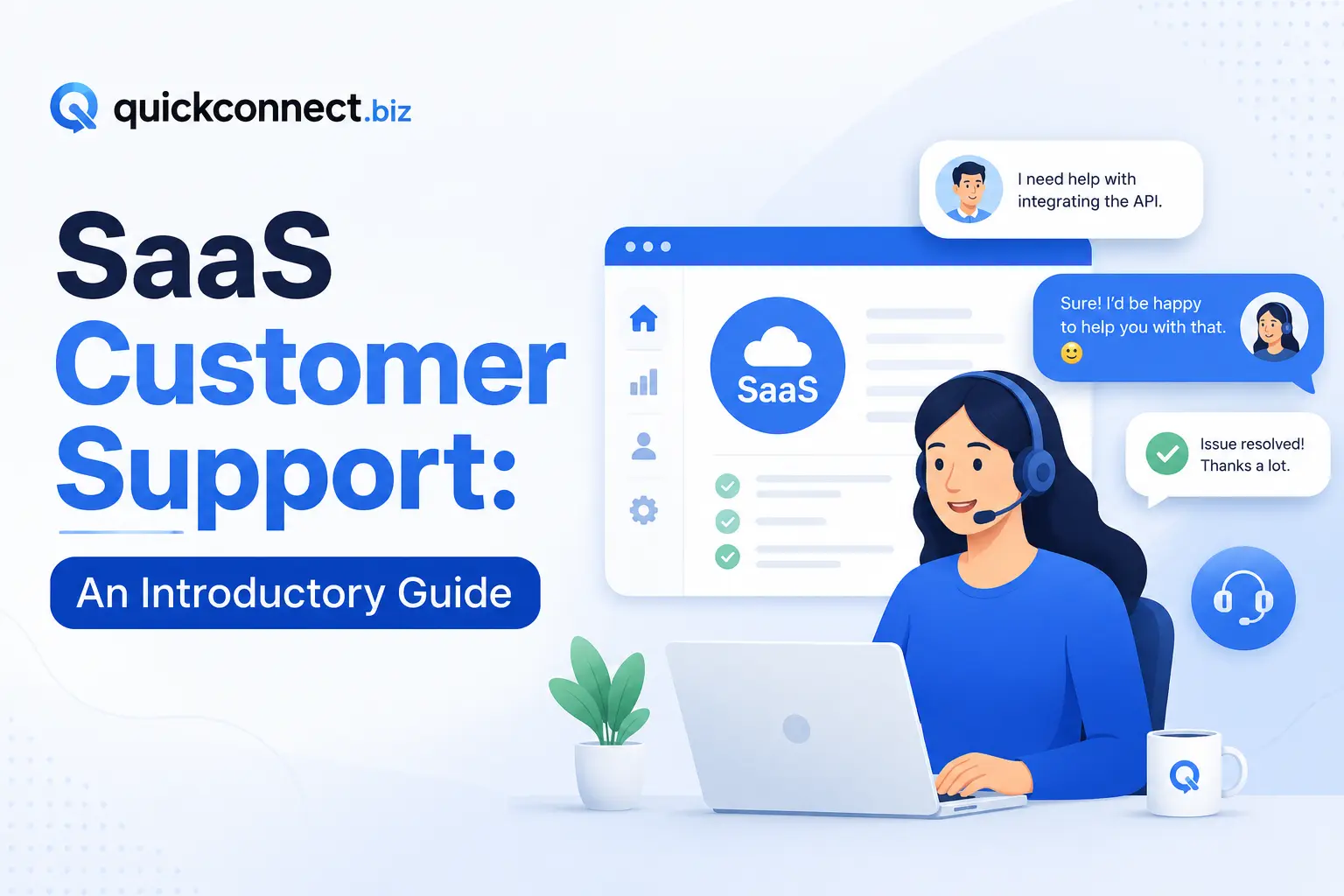
SaaS customer support is the system a software-as-a-service company uses to help users resolve issues, answer questions, and get value from the product. It spans everything from responding to billing inquiries to troubleshooting technical bugs to guiding users through feature adoption.
SaaS support teams often handle:
- Account and subscription management
- Onboarding and setup assistance
- Feature walkthroughs and usage guidance
- Bug reports and technical troubleshooting
- Integration and API-related questions
- Feedback collection that feeds back into product development
The goal isn’t just to close tickets, it’s to keep customers using and paying for the product.
Importance of SaaS customer support
Customer support plays an important role in the success of any SaaS business because every interaction shapes the customer’s perception of the company. Organizations that provide timely assistance, clear guidance, and effective problem-solving are more likely to build strong, lasting relationships with their users.
Unlike many traditional products, SaaS solutions often require ongoing support due to their complexity and evolving features. Customers may need help understanding functionality, resolving technical issues, or maximizing the value of the software. As a result, support teams must focus on delivering complete and accurate resolutions. When customers do not receive the help they need, frustration can grow, leading to higher churn rates and lost business.
The key benefits of SaaS customer support are:
- Improved customer satisfaction: Exceptional support experiences help customers feel valued and supported. Since many consumers are willing to switch providers after repeated negative experiences, responsive and effective customer service is essential for retaining users and strengthening loyalty.
- Better product understanding: SaaS platforms often include a wide range of tools and features that can be challenging to learn. Support interactions give customers the knowledge and confidence needed to use the software effectively, encouraging greater adoption and long-term engagement.
- Valuable customer insights: Support teams are on the front lines of customer communication, making them a valuable source of feedback. By identifying recurring questions, challenges, and feature requests, SaaS companies can improve both their products and internal processes.
- Stronger Competitive Position: Customer experience can be a major differentiator in the highly competitive SaaS market. Many buyers consider the quality of customer support when choosing a provider, making excellent service a powerful advantage over competitors.
Why SaaS Support Operates Differently
Traditional support, like hardware vendors or one-time purchase software, focuses on resolving defects. Once the sale is done, support is a cost center. In that case, SaaS is different, and here’s why:
- The product changes constantly: SaaS companies ship updates weekly or even daily. Every release can introduce new questions, break existing workflows, or require users to re-learn parts of the interface. Support teams need to stay current with a product that never sits still.
- Revenue depends on retention: Acquiring a new SaaS customer costs 5 to 7x more than retaining an existing one. If a customer churns after three months, the company likely loses money on that account. Support directly influences whether someone renews.
- Users expect speed: SaaS customers, especially those paying for business tools, expect responses within hours, not days. According to industry benchmarks, the median first response time for top-performing SaaS companies sits around 1–4 hours for email and under 60 seconds for live chat.
- The customer relationship is ongoing: There’s no “post-sale” phase. SaaS customers are perpetually mid-relationship with your product. Support is part of the product experience, not separate from it.
Core Components of a SaaS Support System
A functional SaaS support setup has several interconnected parts:
1. Ticketing system
Every customer interaction needs to be tracked, assigned, and resolved. A ticketing system (Zendesk, Freshdesk, Intercom, HubSpot Service Hub) manages this workflow. Without one, requests fall through the cracks.
2. Knowledge base
A searchable library of articles, guides, and FAQs that customers can access without contacting support. This handles 40–60% of questions that are repetitive, password resets, billing FAQs, and how-to guides.
3. Live chat and messaging
Live chat is the real-time support embedded inside the product or on the website. This is the fastest-growing SaaS support channel. Most users prefer chat over email for simple questions.
4. In-app support
Tooltips, guided tours, contextual help widgets, and in-product announcements. This catches problems before they become tickets.
5. Community forums
For larger SaaS products, user-to-user forums reduce support load while building product engagement. Users often solve each other’s problems faster than support teams can.
6. Escalation paths
Clear processes for routing complex issues from tier-1 to tier-2 to engineering. Without defined escalation paths, difficult tickets stall.
Support Channels SaaS Companies Should Offer
Not every channel suits every SaaS company. The right mix depends on customer type, deal size, and product complexity.
| Channel | Best For | Response Expectation |
| Detailed issues, non-urgent requests | 4–12 hours | |
| Live chat | Quick questions, onboarding help | Under 2 minutes |
| Phone | High-value accounts, complex issues | Immediate |
| In-app messaging | Contextual guidance, bug reports | 1–4 hours |
| Self-service (knowledge base) | Repetitive questions, how-tos | Instant |
| Social media | Public-facing complaints, brand reputation | 1–2 hours |
Early-stage SaaS (pre-Series A): Email + live chat + knowledge base. Keep it lean.
Growth-stage SaaS (Series A–C): Add phone support for enterprise accounts, expand the knowledge base, and introduce in-app support.
Enterprise SaaS: Full omnichannel with dedicated account managers, priority queues, and SLA-backed response times.
Key Metrics to Track SaaS Customer Support
Evaluating the effectiveness of SaaS customer support can be done in several ways, but one of the most reliable methods is monitoring key customer service KPIs. These metrics provide valuable insights into support performance, customer satisfaction, and overall service quality. Some of the most important KPIs include:
- First response time (FRT): Time from ticket creation to first agent reply. Target: under 4 hours for email, under 1 minute for chat.
- Average resolution time: Time to fully resolve a ticket. Varies by complexity, but track trends.
- Customer satisfaction score (CSAT): Post-interaction survey. Aim for 85%+.
- Net Promoter Score (NPS): Broader indicator of customer loyalty. Track quarterly.
- First contact resolution (FCR): Percentage of tickets resolved without follow-up. Higher is better.
- Ticket volume: Total tickets over time. Watch for spikes that indicate product issues.
- Ticket backlog: Open, unresolved tickets. A growing backlog signals understaffing or process failure.
How to Enhance SaaS Customer Support
Improving SaaS customer support is an ongoing process rather than a one-time initiative. It requires a combination of the right strategies, tools, and teamwork to consistently deliver exceptional customer experiences.
The following practices can help strengthen your support operations and improve customer satisfaction.
1. Be Proactive Instead of Reactive
One of the most effective ways to improve customer support is by addressing potential issues before customers need to reach out. A proactive support strategy focuses on anticipating customer needs and providing solutions in advance.
For example, businesses can publish detailed product information to answer common questions or notify customers about known issues and upcoming fixes before complaints arise. Taking initiative demonstrates transparency and helps build trust with users.
2. Monitor and Analyze Key Performance Metrics
Tracking support performance is essential for understanding how well your team is serving customers. Important customer support metrics such as customer satisfaction (CSAT), response times, resolution rates, and ticket volume can provide valuable insights into support effectiveness.
By regularly reviewing this data, companies can identify recurring problems, uncover inefficiencies, and make informed decisions that lead to better customer service outcomes.
3. Focus on Continuous Improvement
Successful customer support teams are always looking for ways to improve. This includes evaluating workflows, updating support technologies, enhancing training programs, and refining overall service strategies.
Rather than setting vague objectives, establish measurable goals that can be tracked over time. For instance, aim to increase customer satisfaction scores by a specific percentage or reduce average response times within a defined period.
4. Gather and Act on Customer Feedback
Customers provide some of the most valuable insights into the quality of your support services. Collect feedback through surveys, ticket follow-ups, feedback forms, community discussions, and other communication channels.
Analyzing customer feedback helps uncover pain points, identify unmet needs, and reveal opportunities for improvement. It also shows customers that their opinions are valued and considered when making business decisions.
5. Encourage Cross-Team Collaboration
Providing excellent SaaS support requires cooperation across multiple departments. When teams operate independently, important customer information can become fragmented or overlooked.
Promote knowledge sharing among support agents and encourage regular discussions between customer-facing teams. Team meetings, collaborative problem-solving sessions, and shared documentation can help ensure everyone stays informed and aligned. A collaborative culture enables organizations to leverage collective expertise and deliver a more seamless customer experience.
By adopting these practices, SaaS companies can create a more efficient 24/7 support system, improve customer relationships, and drive long-term business success.
Best Practices for SaaS Customer Support
Here are the best practices for Saas customer support:
- Invest in self-service before hiring more agents: A well-maintained knowledge base with 100+ articles can deflect 30 – 50% of tickets. This is the highest-ROI support investment.
- Close the loop with the product: Support teams see every product failure, UX confusion, and feature gap. Build a structured process for feeding support data into product roadmap decisions. Weekly syncs between support leads and product managers work.
- Segment your support by customer value: Enterprise customers paying $100K/year shouldn’t wait in the same queue as free-trial users. Use customer tiers to set response time targets and escalation paths.
- Train agents on the product, not just on the tool: Agents who understand why the product works, not just how to navigate the help desk, give better answers and build more trust.
- Use canned responses carefully: Templates save time, but over-reliance produces robotic interactions. Train agents to personalize templated replies.
Deliver Exceptional SaaS Support Through QuiConnect
Delivering exceptional SaaS customer support is essential for improving customer experience, increasing retention, and driving sustainable business growth. To meet rising customer expectations, businesses need a support solution that combines automation, intelligent workflows, centralized communication, and actionable insights.
QuickConnect empowers SaaS companies to streamline customer interactions, manage support requests efficiently, and provide personalized assistance across multiple channels. With features designed to enhance team productivity and customer engagement, QuickConnect helps businesses resolve issues faster while maintaining high service standards.
Whether you’re supporting a growing customer base or optimizing existing operations, QuickConnect provides the tools and flexibility needed to scale your support processes, strengthen customer relationships, and adapt to evolving business needs.