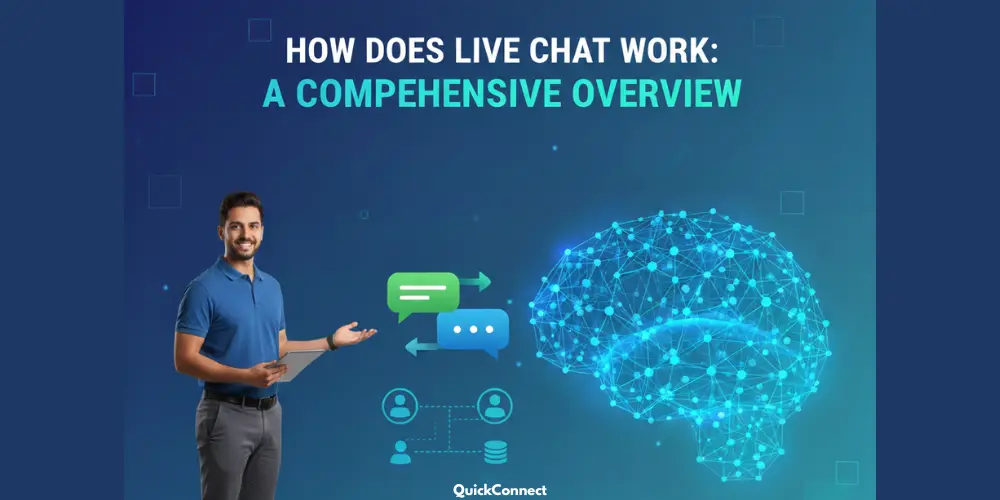
How does live chat work? It’s a question worth asking, especially when you consider how dramatically customer service has evolved. Think back just five or six years—if you needed help with a product, your options were limited and frustrating. You could send an email and wait days for a response, or dial a support number and spend half an hour on hold, listening to the same loop of generic music.
This is where live chat comes in. It is no longer just a little box in the corner of a screen. It is a powerful customer service platform that can transform how you handle customer interactions. But how exactly does it function behind the scenes? How does a message travel from a website visitor to a sales team member in real time?
In this guide, we will pull back the curtain on how a live chat works, the key features you need to know about, and how it helps improve customer satisfaction across the board.
What is Live Chat?
Live chat is a form of online customer support chat software that is used to provide realtime customer support. It usually appears as a live chat widget or a small bubble on a website. When a user clicks it, a live chat window opens up, allowing them to type a message directly to the company.
However, modern live chat software is much more than just a texting tool. It is a seamlessly integrated part of a larger digital customer strategy. It connects with your CRM, your knowledge base, and your other communication channels like Facebook Messenger or WhatsApp. This ensures that the customer journey is smooth and that no information is lost between different apps.
How Does Live Chat Work?
To understand how this technology works, you first have to look at the code. Most live chat software functions via a small piece of JavaScript. When you sign up for a live chat platform, you receive a unique snippet of code. You paste this into the header or footer of your website.
Once that code is live, it essentially acts as a bridge. It tells the browser to load the live chat widget whenever a visitor arrives. This widget is what the user sees: the bubble, the greeting, and the text area. However, the actual “work” happens on the server of the chat solution provider. The messages do not sit on your website; they are transmitted to a central dashboard where your live chat agents can see them.
This setup is great because it does not slow down your site. The live chat window only fully loads after the rest of your content is visible. This keeps your SEO effective, and you deliver a digital customer experience that is of high quality.
The Step-by-Step Mechanics of a Chat Session
Let’s walk through a typical chat session from start to finish to see the gears turning in the background.
1. The Trigger and First Contact
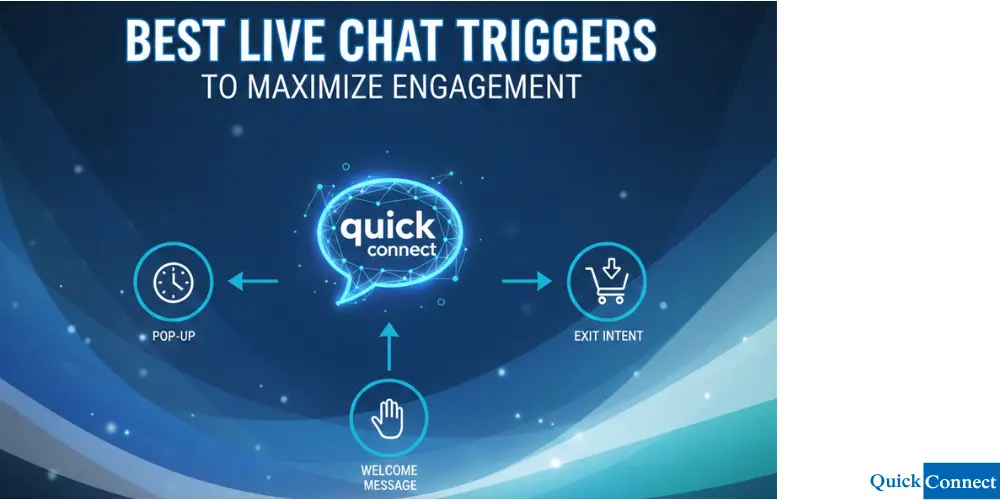
A website visitor lands on your homepage. Perhaps they have been looking at a specific product for three minutes. A proactive chat trigger (a set of rules you defined) notices this behavior. The chat widget pops up with a message: “Hi! Do you have questions about the sizing for this item?”
This is an example of proactive chat invitations in action. It moves the interaction from reactive (waiting for the customer) to active (helping them before they ask).
2. The Pre-Chat Survey
Before the user can talk to a human agent, they often encounter prechat forms. These prechat surveys ask for basic customer data like a name, email address, or order number. Collecting this info serves two purposes. First, it ensures you have a lead you can follow up with if the chat gets disconnected. Second, it allows for better chat routing.
3. Intelligent Chat Routing
Once the visitor hits send, the chat tool uses an algorithm to decide where that message goes. This is called chat routing.
- Skill-based routing: If the user selected “Technical Support” on the form, the chat goes to someone with technical training.
- Round-robin routing: The system sends chats to the agent who has been idle the longest.
- Capacity-based routing: The system checks who is already handling three or four chat conversations and sends the new one to an agent who is free.
This ensures that wait times stay low and that the sales team is not answering technical bugs.
4. The Active Conversation
The chat agent sees the notification in their unified inbox. They accept the chat and begin typing. On their end, they see more than just text. They see the user’s chat history, their location, and even what pages they are currently looking at. This gives the agent an enhanced customer view, allowing them to provide a truly personal customer experience.
5. Resolution and Feedback
When the problem is solved, the agent ends the session. At this point, a survey often appears to measure increased customer happiness. The system then generates chat transcripts, which are emailed to the customer and saved in the CRM for future reference.
AI Agents vs. Human Agents: The Hybrid Model
In the modern world, implementing live chat often involves more than just people. The rise of conversational AI has introduced a new player: the AI agent.
What Does the AI Chatbot Do?
An AI chatbot acts as the first line of defense. It can handle a common question like “What is your return policy?” or “Is my order shipped?” by pulling data from your knowledge base. This happens 24/7, even when your office is closed.
When Does a Human Step In?
A good live chat solution knows its limits. If a customer is angry or has a very complex technical issue, the AI realizes it cannot help. It then performs a “warm handoff” to a human agent. The human can read the previous live chat conversations so the customer does not have to repeat themselves. This creates a seamlessly integrated experience where technology and empathy work together.
Key Features That Drive Real Value
If you are looking at different live chat tools, you should check for these key features that separate the basic apps from the powerful platforms.
1. Unified Inbox
A unified inbox allows your team to see messages from your website, Facebook Messenger, WhatsApp, and social media in one single place. You do not want your agents logging into five different sites. One dashboard manages it all.
2. Canned Responses
Speed is the number one reason for increased customer satisfaction. Canned responses are pre-written snippets for frequent questions. Instead of typing a long greeting, an agent just types a shortcut like “/hello” and the system fills in the rest.
3. Screen Sharing and Video Chat
Sometimes typing is not enough. Advanced live chat features allow for video chat or screen sharing. If a customer is struggling with a software setting, the agent can see their screen and guide them through it in real time.
4. ROI Calculator and Analytics
How do you know if the software is worth the money? An ROI calculator integrated into the dashboard can show you how many sales were closed via chat. You can track response times, chat volumes, and agent performance to ensure you are getting the most out of your customer service platform.
What Are The Benefits of Live Chat
Why should a business bother with this? The benefits of live chat are reflected in every part of the customer journey.
Boosting Sales and Reducing Abandonment
Live chat is one of the best ways to tackle cart abandonment. If a customer has a doubt about a shipping cost at the final stage, they are likely to leave. If you instantly message them with a solution, you save that sale. It is a direct way to boost sales and increase your revenue.
Improving Customer Satisfaction (CSAT)
Customers love chat because it is effortless. There is no music on hold. There is no “please wait for the next available representative”. It provides a fast, efficient, and real-time customer experience that people actually enjoy using.
Lowering Operational Costs
A chat agent can handle multiple conversations at the same time. On a phone call, they are tied to one person. This efficiency allows you to scale your support without a massive increase in staff. It is a cost-effective way to enhance customer support.
Strategic Implementation for Growth
To see a live chat benefit, you have to do more than just install a plugin. You need a strategy.
Integrating with the Sales Funnel
Don’t just use chat for support. Give your sales team access to the live chat platform. They can use it to connect with customers who are on high-value pages, like your pricing or enterprise pages.
Building a Strong Knowledge Base
Your AI chatbot is only as smart as the information you give it. Take time to develop an elaborate knowledge base. This will enable the AI to address 70 percent of the enquiries even before they come to human service, leaving your live agents to deal with the big problems.
Quality Assurance and Training
Train your team using chat texts. Identify areas of pain that customers experienced frustration and take them as examples to work on your responses. Constant quality assurance is what turns a basic chat tool into a world-class support system.
Conclusion
So, how does live chat work? This is achieved by making your business more accessible. It eliminates the dissonance of the digital realm and creates a speedy, human, and smoothly integrated dialogue instead.
Whether you are using it for real estate to book more viewings or for an online shop to boost sales, the core principle is the same: be there when the customer needs you. By using a modern live chat solution, you manage customer expectations, reduce wait times, and turn simple website visitors into loyal fans.
The era of the “wait for a reply” email is dying. The era of live chat conversations is here to stay. Are you ready to provide the chat experiences your customers are already looking for?