As an individual content creator, social media influencer, or entrepreneur selling products or services via Instagram, responding to comments can be a time-intensive task.
It is time-consuming to reply to each comment manually, and important interactions may go unnoticed, which may cost the company potential customers or even business.
The Instagram comment automation tools provide a smart option, as you can automatically process the comments you receive and keep the interaction with your audience constant.
What Is Instagram Comment Automation?
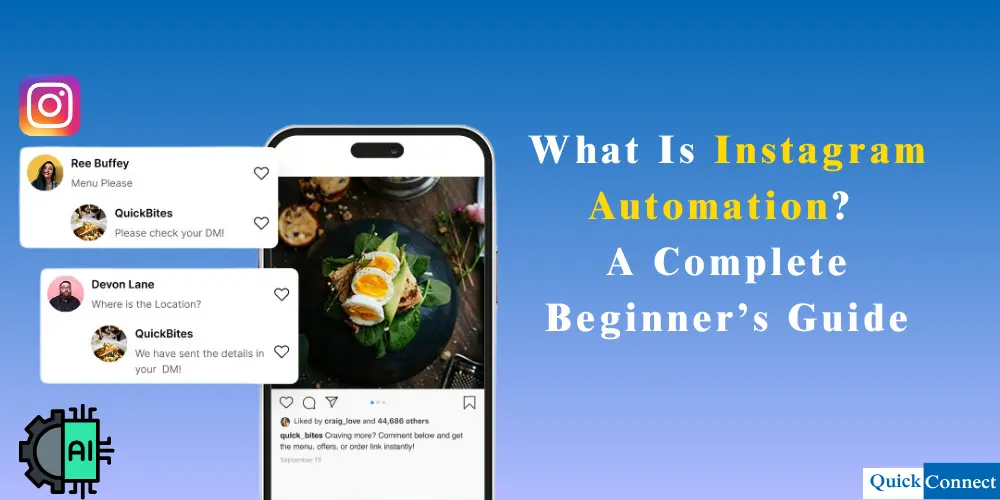
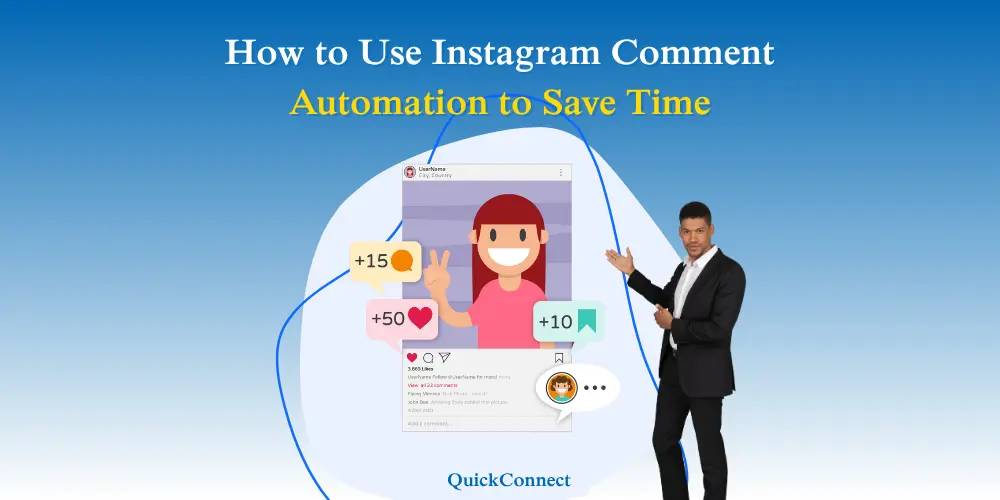
Instagram comment automation is the process of setting up automatic replies to comments made on your Instagram posts. To spark up responses, you can set up particular keywords to customize replies and even direct messages (DMs) with extra information.
This Instagram automation feature can be helpful to creators, influencers, and small businesses that use Instagram to boost their engagement and sales. It helps to ensure that interactions with the followers are managed, that important leads are not missed, and that conversions are encouraged by taking the followers through your sales process.
Why Use Instagram Comment Automation?
Instagram comment automation comes in handy in various scenarios, such as:
1. Increase follower count (Lead Generation)
An Instagram comment automation tool can prompt a person to send you a direct message (DM) when they make a comment on your post.
As an example, you share some information about fitness tips, and the person writes back, “I would like to know more!” The tool will be able to respond automatically with a reply of Send me a DM to get a free workout plan! This further assists you in establishing contact with new followers who are actually interested in what you are posting.
2. Help Your Followers Faster (Customer Support)
If you have a business account and people ask questions in your comments, comment automation can give them quick answers. For example, if someone asks, “What are your store hours?” the tool can automatically reply with your hours or tell them to check your bio for more info.
3. Run Competitions and Prizes
Suppose you would like to provide a free phone case. You can automate comments on Instagram so that when someone comments “WIN” on your post, the tool will add them to the contest. It can even provide them with a DM containing additional information about the giveaway. It is so much easier to run contests!
4. Increase Your Sales
When people comment on your posts about products, Instagram automation can help to turn those comments into sales. If someone comments “I love this!” on a picture of your handmade jewelry, the tool can automatically reply, “Thanks! Send me a DM to order one!” This helps you make more money from your posts.
How To Turn Comments into Conversions
There is no better opportunity to increase visibility, build relationships, and lure potential consumers deeper into your world than every comment on your Instagram post.
Instagram works like an algorithm, so it follows the interactions of its users with your content closely. The more you interact with your posts, especially with comments, the more visible your posts become: they will appear in feeds, Explore pages, and recommendations.
By replying to comments, you demonstrate to both your audience and the algorithm that you are present and paying attention and that you are a person worth following. Still, it can be a part-time job to handle a busy comment box. Automation is how things get easier, and you can continue to interact with people in meaningful ways, at a large scale, without losing your personal touch (or your sanity).
Instagram Comment Etiquette
Not all posts made to your Instagram feed warrant the same sort of response, and not all should be automated. These are the most common types of comments that you will receive on Instagram and how to reply to each one.
1. Praise
When a person writes a nice comment (such as “Your packaging is lovely!”) a simple thank you is sufficient. When they say something in particular, consider that in your answer. Individual responses give your followers a sense of recognition and appreciation.
Sample response: “We had fun with the new label – we are glad you noticed!
2. Responses to Your Prompts
When you request a comment or pose a question in your caption (e.g. Tell us your favorite late-night snack.), you can’t overlook the responses. Note taking, continue the dialogue, or ask another question.
Sample response: Tacos are a quality food. What’s your favorite?”
3. Customer Inquiries or Complaints
These will typically be the most important and often best addressed by hand. Respond promptly and professionally in case of a problem or the need to assist someone. You can carry on the discussion in the open or inform them that you will call back with a private message to seek further information.
Sample response: “Thank you for raising that to our attention! Giving you a word now, we can figure it out.
4. Mentions/Tags
Sometimes, a user can mention or tag a friend in a comment, usually when it comes to giving away something or posting a funny comment. These need not always require a reply, but at least a little notice can keep the interaction moving.
Sample response: “Friends who bring friends are welcome – we like that you tell us!
5. Spam / Bot Comments
You do not have to deal with obvious spam, generic advertising, or misplaced tags. Just report and move on. On Instagram, you can swipe left of a comment and report it as spam.
6. Indistinct Replies
When a person posts an emoji, or just a single word like “great,” do not stress it. One tap of an emoji or a simple thanks keeps the communication from being awkward.
The moral of the story: Not all remarks require a deliberate response. But knowing which ones can keep your brand voice intact, and your audience heard.
Instagram is just one part of the game. Discover how full-scale social media automation can help you reply to DMs and comments faster, scaling your growth across platforms with significantly less manual work.
Explore Social Media Automation →Choosing the Right Time to Reply Manually or Use Automation
Both manual responses and automated Instagram comments will help you reach a broader audience without compromising on your messages, and since your reactions are expected to be fast and natural, they should make your message sound human. It is not a question of either/or, but of when to apply either of them.
So, how do you know when to apply the responses (or not) and when to use the Instagram comment automation?
This will depend on what the individual is commenting on, why they are commenting, and the significance of that interaction to your business.
Are they asking for help? Interested in a product? Joining in a promo? There are those that should be answered by hand, and there are those that are better left to automation.
Respond personally when:
- It is a sensitive or service matter. Should a customer be angry, confused, or require assistance, personal responses demonstrate concern and provide you with room to say words in an indirect manner.
- The conversation would not be restricted to the script. Automation may not be effective in cases where a response may generate a lengthy conversation (or when you will be required to dig deeper).
- You want to make or reinforce a relation. A human response can be used to establish a connection with valuable followers, brand advocates, or influencers. These are the moments that should be given more attention.
Automation should be used sparingly when:
- You are having a promo, contest, or giveaway. Automation works great here. It is able to send a private message immediately to the person commenting on a giveaway or enter and take them directly to a lead-generating procedure.
- You are here getting plenty of the same inquiries, such as “How to enter? or “What is the code?” Automation also allows you to reply to everybody without copy-pasting.
- You would want to bring users into your sales process. To promote a product launch, discount, or lead magnet, comment automation can direct the comment section followers into your sales funnel at a rapid pace.
QuickConnect: Best Tools for Instagram Comment Automation
QuickConnect is an easy-to-use solution that can assist companies in responding to Instagram comments and messages automatically, and increase sales and interactions. It can be used on both Instagram and Facebook, where customers can create personalized automated replies that convert followers into customers.
Through its mobile application, the business owner will be in control of their social media messages anywhere, and they will never miss a sale. QuickConnect also ensures that any business, no matter their size and level of technology, can use automation without losing that personal touch with their audience.
You’ve seen how Instagram comment automation works—now try it yourself. Create your account and start automating DMs, comments, and replies today with zero tech skills needed.
Create Free Account →Conclusion
It does not have to be a full-time job to manage the comments on Instagram. Automating comments is a complete game-changer that allows you to remain in touch with your followers without necessarily being attached to your phone 24/7.
You never need to miss a valuable comment again, and you can actually do what you enjoy doing, which is creating beautiful content and building your brand. Instagram comment automation is extremely helpful, whether you already have thousands of followers or are just starting out.
Believe us, you will think you cannot live without comment automation Instagram once you start using it!