Table of Contents
- 1. AI-Powered Query Resolution
- 2. AI-to-Human Handoff with Full Context
- 3. Smart Conversation Filtering & View Management
- 4. Omnichannel Inbox with Unified Agent Workspace
- 5. AI-Assist and Canned Response for Faster, Smarter Responses
- 6. AI-Powered Live Chat with Proactive Engagement
- 7. AI-Powered Social Media Automation
- 8. Multichannel Campaign Management
- 9. Advanced Analytics & Performance Insights
- 10. Enterprise-Grade Security, Scalability & Reliability
- Final Thoughts
The modern customers move fast and their expectations move even faster. They do not wait, do not repeat themselves, and certainly do not wait around for slow responses.
The businesses who win are the ones who not only respond but resolve customer queries instantaneously, personalize every single response, and do this across all messaging channels. This is exactly what QuickConnect can help businesses do.
Rather than trying to juggle different tools for support, marketing, and communication, QuickConnect brings all of this into one AI-powered ecosystem. Each feature has a single purpose: to help businesses grab attention, convert this attention into customers, and retain these customers over time.
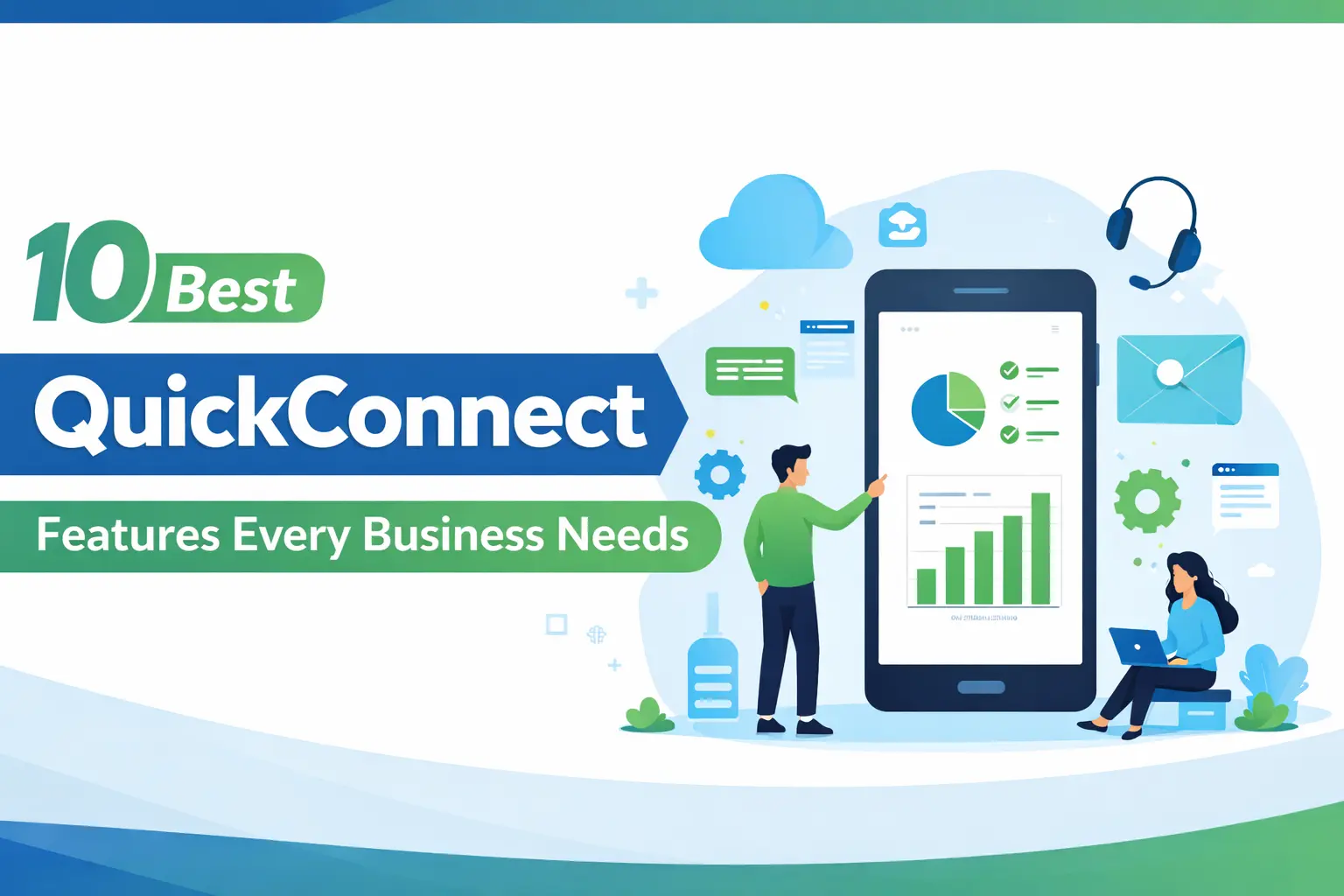
Here’s a deep dive into the most powerful QuickConnect features that every modern business needs:
1. AI-Powered Query Resolution
One of the biggest strengths that QuickConnect offers is that it is capable of handling repetitive and voluminous customer queries in real-time without requiring any human intervention. Whether it is related to order and delivery status, pricing, product information, and other product or service related information, QuickConnect is capable of handling it in an instant. This not only reduces the pressure on customer support teams, but it also helps in creating a better and more satisfying experience for the customer.
With QuickConnect operating 24/7, it ensures that no customer is left waiting. However, it is also important to understand that it is not just about operating 24/7 support; it is also about making sure that the accuracy and intelligence that QuickConnect offers are only increased as time passes. This is due to the fact that as the AI interacts with more and more customers, it learns and improves its accuracy. This means that businesses are not only operating an efficient system, but it is also becoming smarter and better with time.
2. AI-to-Human Handoff with Full Context
Automation is powerful, however, human support is always required during complex situations. As a result, QuickConnect’s AI to human handoff feature helps to make the transition from AI Bot to available customer support agent smooth and seamless.
What makes this feature special is that there is a preservation of context of customer conversation. This means that the support agent will be able to see the entire history of the conversation, including the intent of the customer and the responses that have been given previously. This also eliminates repetition, reduces frustration, and enables faster, more meaningful resolutions.
3. Smart Conversation Filtering & View Management
With QuickConnect, it’s easy to stay on top of every customer conversation with its powerful conversation filtering and view management system.
You can easily organize your inbox with predefined views such as Open & Unassigned, Open & Assigned, Assigned to Me, Resolved Conversations, and even Bot Conversations. This ensures your team can instantly focus on what matters most.
You can also quickly filter your conversations based on labels, mediums, or even your preferred sorting options. With just a few clicks, your team can prioritize your conversations and work more efficiently.
This feature ensures your team benefits from:
- Faster response times by focusing on the right conversations
- Better team collaboration with clear assignment visibility
- Improved productivity through organized and clutter-free inboxes
With QuickConnect, managing conversations is not only easy but also intelligent.
4. Omnichannel Inbox with Unified Agent Workspace
Unified Inbox brings all interactions in one inbox and provides one continuous conversation thread regardless of where the conversation began. This means that no matter how the customer initiated the conversation – through chat on your website, social media channels, or other messaging channels – all messages are collected and organized in one place.
At its core is the unified agent workspace. Rather than having to switch between multiple applications to respond to a customer’s conversation history, agents have all the information and context they need in one place.
With QuickConnect’s unified workspace, agents can respond to customer interactions quickly and collaborate to create a personal and connected experience for the customer.
5. AI-Assist and Canned Response for Faster, Smarter Responses
Speed is critical, but consistency is equally important.
QuickConnect’s other major feature, ‘AI Assist,’ helps agents respond faster to customers. With this feature, agents can view context-aware reply suggestions in real-time and respond to customers accordingly. Agents can now type less and respond more effectively using ‘AI Assist.’
At the same time, canned responses guarantee that commonly used replies are consistent in all interactions. Whether it is answering frequently asked questions, disclosing pricing information, or elaborating on processes, customer support agents can use defined replies that are accurate, well-written, and consistent with the company’s tone.
This greatly reduces the time taken to respond while enhancing the quality of the interaction. Agents spend less time typing and more time interacting meaningfully with the customer. This guarantees that every customer gets an accurate, consistent, and professional response, irrespective of the customer support agent interacting with them.
Agents can now respond to customers faster and more effectively, ensuring consistency in communication across all team members and maintaining a unified brand voice.
6. AI-Powered Live Chat with Proactive Engagement
Website visitors often need guidance before making a decision.
Additionally, visitors to your website rarely make up their minds. Most visitors are simply searching, comparing, or seeking clarification on whether your solution is right for them. Without immediate assistance, even interested visitors may not convert. This is where real-time interaction comes in. QuickConnect resolves this concern with its intelligent live chat feature that engages visitors at exactly the right time, ensuring that visitors’ questions get answered before they get cold feet.
While traditional live chat is beneficial in its own right, QuickConnect’s live chat feature also incorporates proactive triggers that initiate live chat sessions with visitors depending on their behavior. This enables businesses to interact at exactly the right time with appropriate customer support.
Moreover, businesses have the ability to customize chat widgets according to their brand. Pre-chat forms also allow businesses to collect essential information on visitors, which is extremely beneficial in creating more meaningful interactions.
7. AI-Powered Social Media Automation
Social media is the place to start the conversation. QuickConnect helps businesses make sure that they do not miss any opportunities with the ability to automate interactions across social media sites such as Facebook and Instagram.
The ability to reply to every comment, DM, and story, in an instant helps businesses respond to every interaction in real-time. The speed of the responses is just one thing that helps businesses increase the level of trust with customers. The speed of the responses also helps businesses make sure that they are always accessible and attentive to the needs of the customers.
However, in order for the interactions to make sense, QuickConnect social media automation feature has the ability to utilize keyword-based triggers and an AI-powered knowledge base. A knowledge base is the information that your business uses to answer customer questions. It is the central source of information that your business uses to answer customer questions. The knowledge base in QuickConnect includes FAQs, product information, business policies, and customer interactions.
8. Multichannel Campaign Management
It is worth noting that customer engagement does not end with conversations. Instead, it is continued through further communications. QuickConnect can be used to move beyond conversations and start communications with customers. This is done through multichannel campaign management.
In this case, customers can be reached through various channels such as WhatsApp, Viber, SMS, and other connected channels. This ensures that customers are reached through the best channel possible. In addition, it increases customer engagement.
The best part of this feature is that it comes with fallback messaging. This means that in case of an issue with the sending of messages through a certain channel, it can be sent through another channel without any issue. This is due to its intelligent routing. In addition, it ensures that no customer is left behind due to channel limitations. This guarantees an uninterrupted customer experience.
9. Advanced Analytics & Performance Insights
Data can only be useful for the business if it can lead to better decision-making.
QuickConnect offers businesses advanced analytics for all the activities, including the performance of the team.
The customer behavior insights provide the team with a better understanding of the patterns and trends, which can help improve the strategies.
Within the analytics suite, businesses gain access to multiple layers of reporting, including:
- Conversation and Chat Overview Reports that reveal overall engagement trends and message volume
- Message and Conversation Feedback Reports that highlight customer satisfaction and response quality
- Agent Performance Reports that measure efficiency, response time, and productivity
- Campaign Reports that show which outreach efforts are driving results
- Hourly Reports that identify peak engagement times for better resource planning
- Tag and Chatbot Reports that track categorized interactions and automation performance
- Chatbot Intent Reports that uncover what customers are actually asking and expecting
These insights go beyond surface-level metrics. They help businesses understand why customers behave the way they do. Patterns begin to emerge, such as frequently asked questions, common drop-off points, and high-conversion triggers.
10. Enterprise-Grade Security, Scalability & Reliability
Any business grows, and the software must grow with the business.
QuickConnect has a scalable infrastructure that can support the growing volume of the conversation. The software has a high availability infrastructure that can provide the required uptime, even during peak usage.
The software has a high level of security, including data encryption, access control, and permissions. In addition, the software is designed to provide compliance for businesses operating in a regulated industry.
Final Thoughts
All of the features in QuickConnect are built with a specific purpose in mind. However, it is really the integration and collaboration of these features that make QuickConnect truly effective. QuickConnect is built to create an entire ecosystem for customer communications.
Whether it is streamlining customer support, consolidating customer conversations in a unified inbox, personalizing multichannel campaigns, or providing businesses with valuable analytics and insights, QuickConnect is designed to be an entire platform for customer communications and support.
For businesses that wish to provide faster responses, generate more conversions, build long-term customer relationships, and scale, these 10 features are not simply add-ons. They are the foundation for customer experience.